
Getting started9 min read
How to Choose Your First Mechanical Keyboard in 2026
A practical first-buying guide to keyboard size, budget, switches, connectivity, hot-swap support, and the features that are actually worth paying for.
Read guideKeyboard field guides
Plain-language guides for choosing, building, tuning, and caring for a mechanical keyboard—without assuming you already speak enthusiast.
Start here
20 practical guides
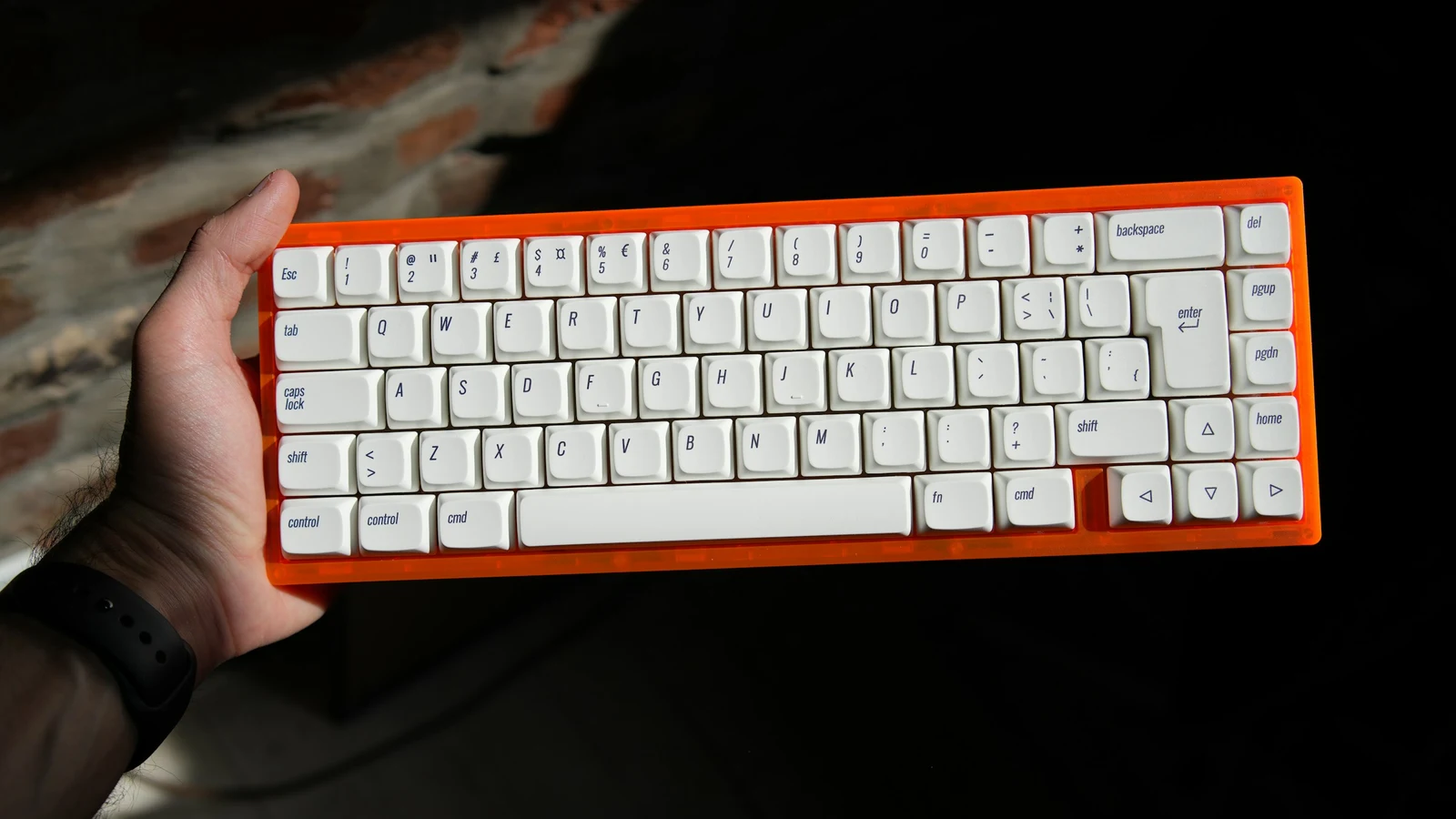
Learn what an indicative keyboard budget can buy, which parts affect daily use, where to save, and how to avoid paying a premium for features you do not need.
Read guide
A concise mechanical keyboard glossary covering switches, keycaps, layouts, firmware, RGB, and the terms beginners see most often.
Read guide
Learn what makes a mechanical keyboard different from a membrane model, how individual switches register a keypress, and whether the extra feel, durability, and customization suit your setup.
Read guide
Compare wired USB, Bluetooth, and 2.4 GHz keyboard connections, with practical guidance on latency, battery life, cables, and troubleshooting.
Read guide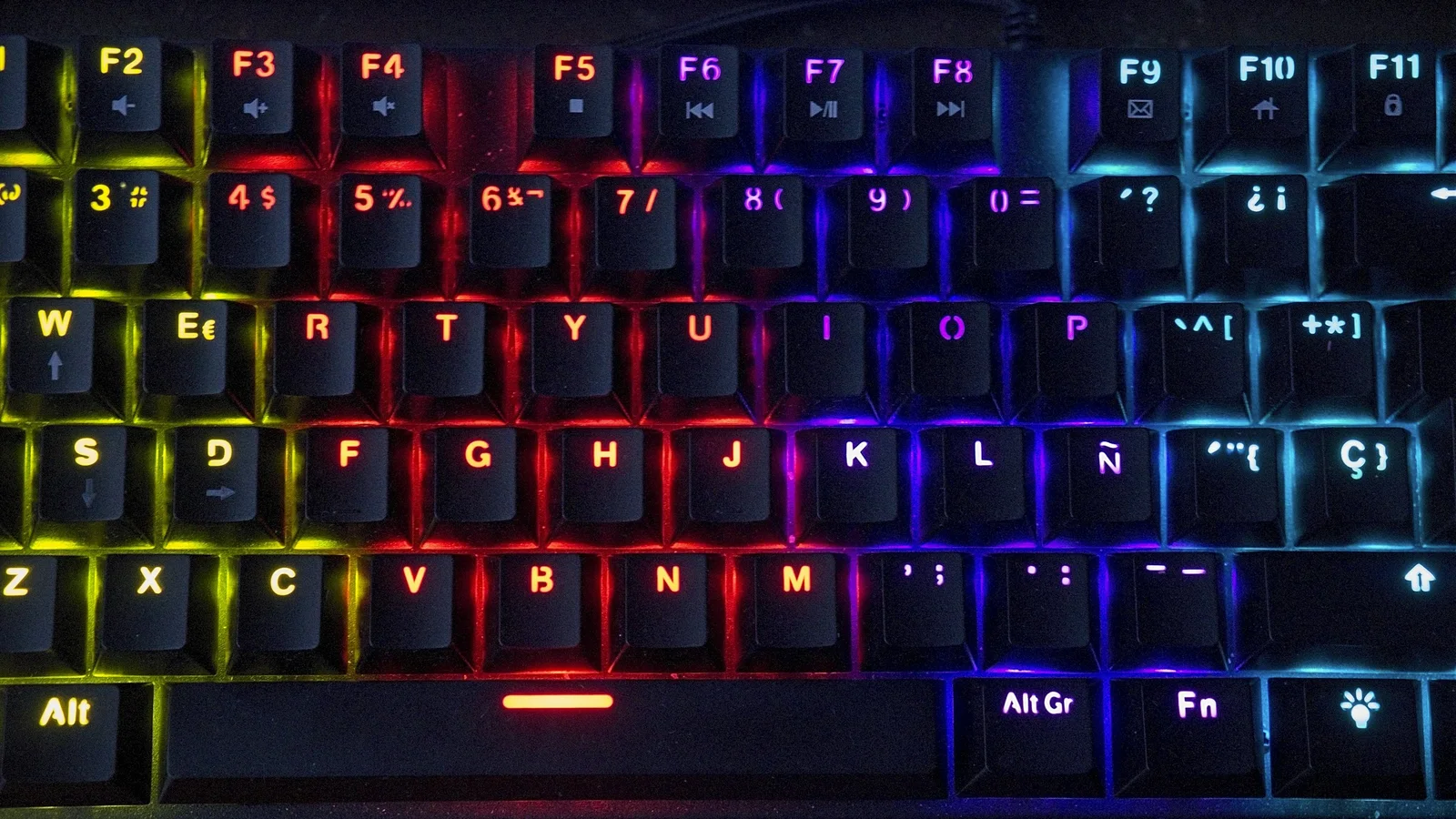
Understand per-key RGB, underglow, backlighting, software compatibility, layer indicators, and the power trade-offs of keyboard lighting.
Read guide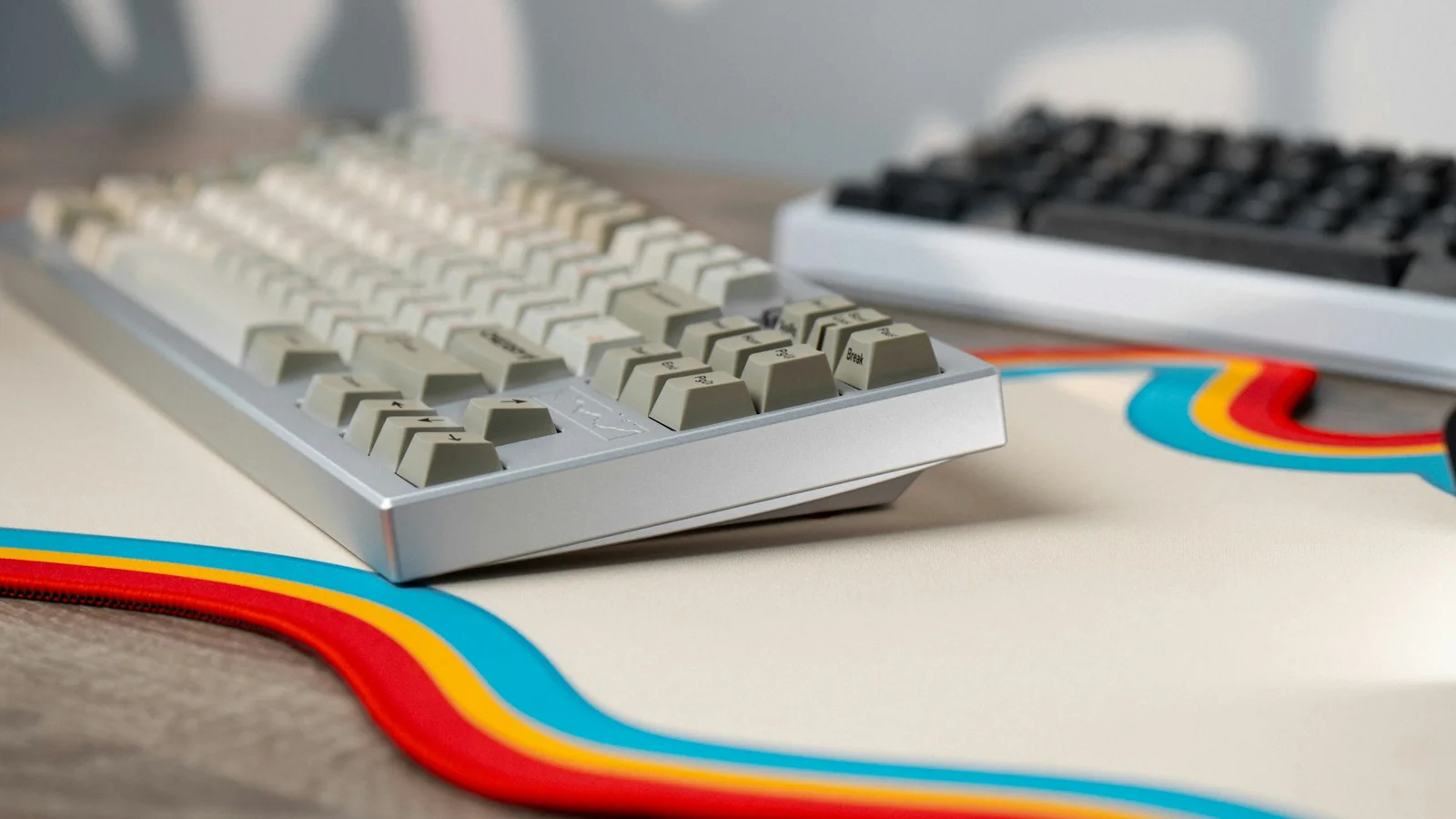
Understand what keyboard percentages really remove, compare dedicated keys and desk width, and choose a layout that fits your work, mouse space, and comfort.
Read guide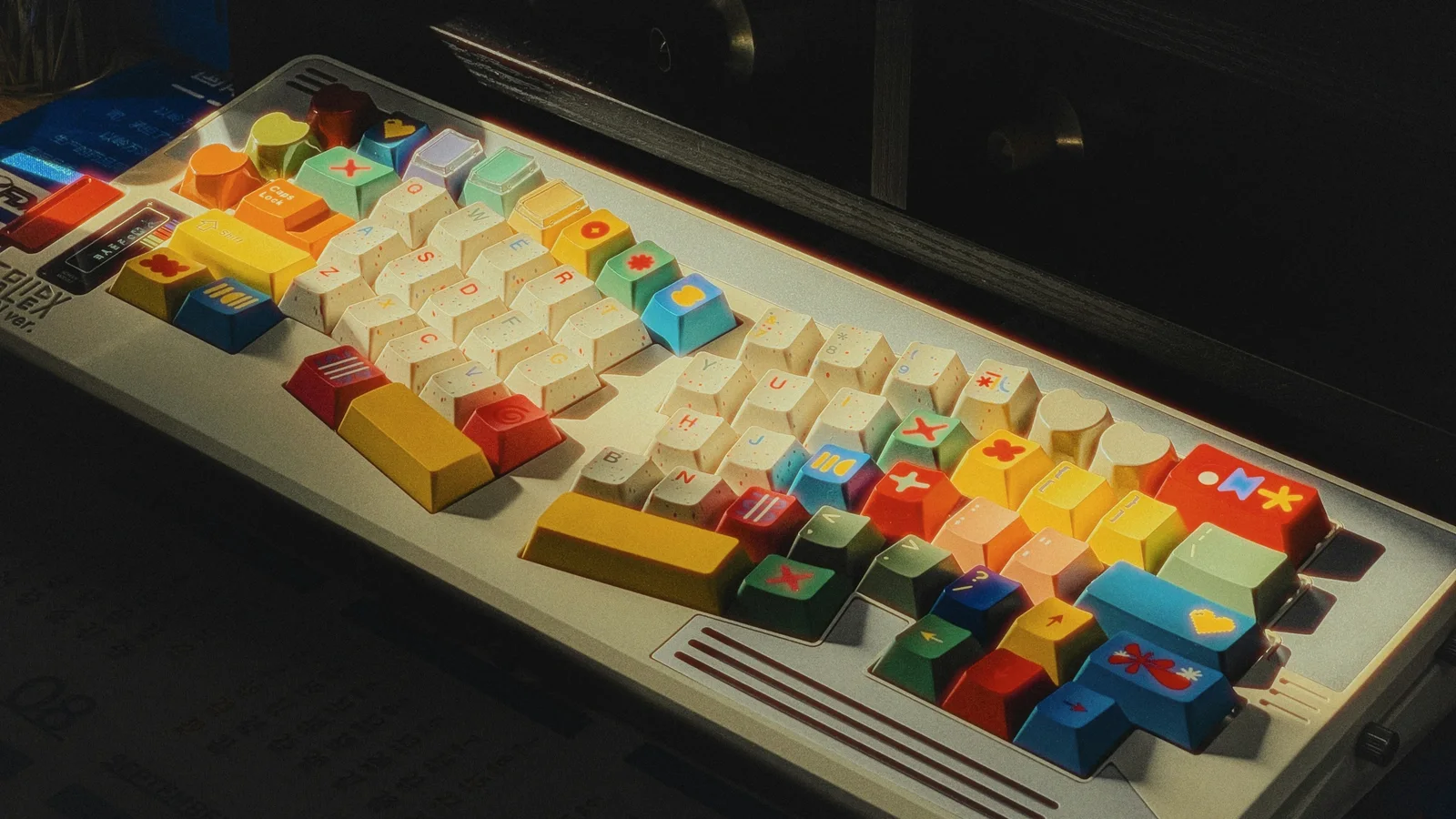
Compare ABS, PBT, POM, and other keycap materials, then choose a compatible Cherry, OEM, SA, DSA, XDA, or low-profile shape for your layout and typing style.
Read guide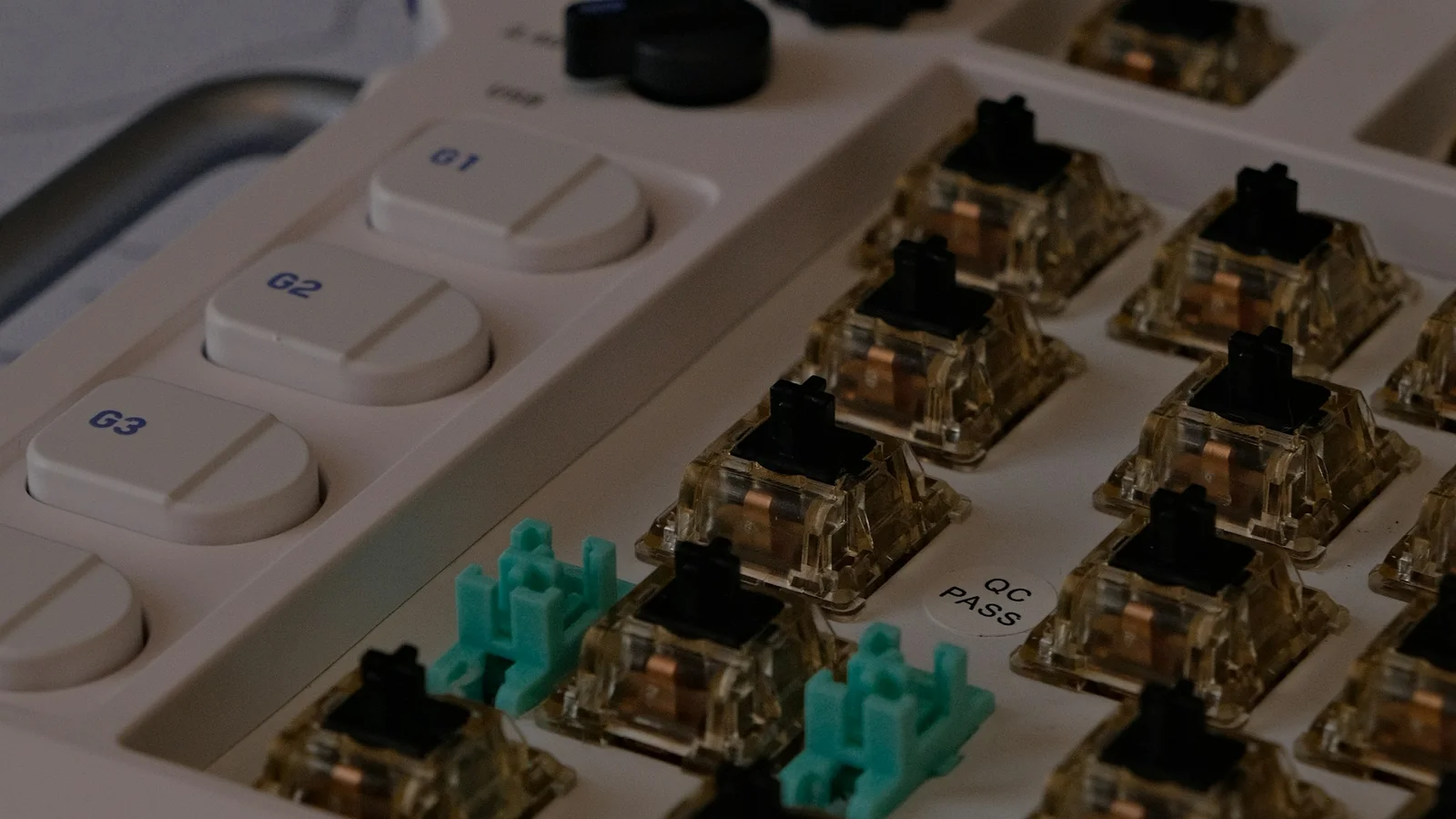
Learn what the case, PCB, plate, stabilizers, switches, and keycaps do, how they fit together, and which parts matter most for typing feel, sound, repair, and customization.
Read guide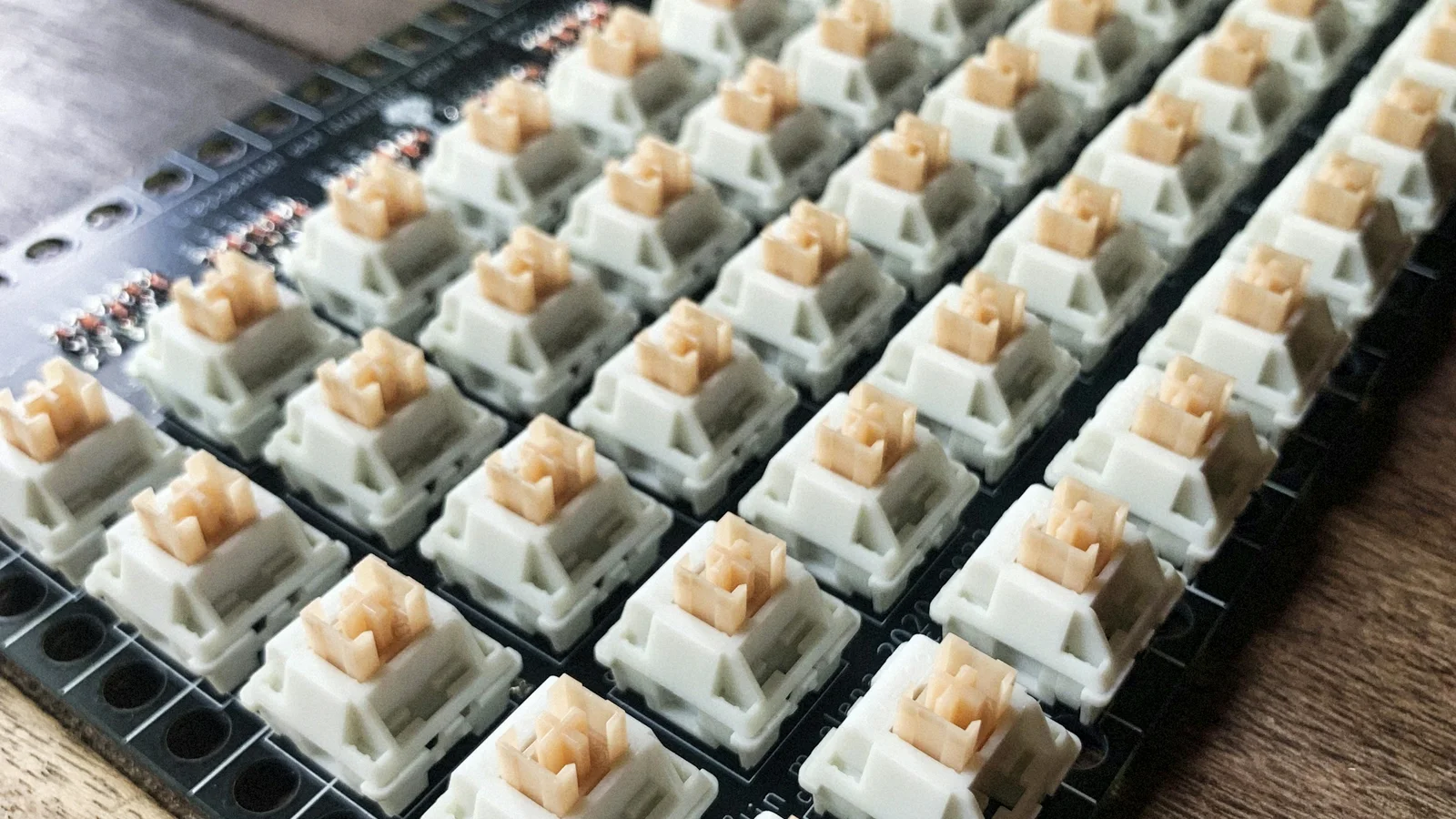
Compare mechanical switches by category, actuation force, travel distance, sound, construction, and compatibility instead of relying on a single “best” label.
Read guide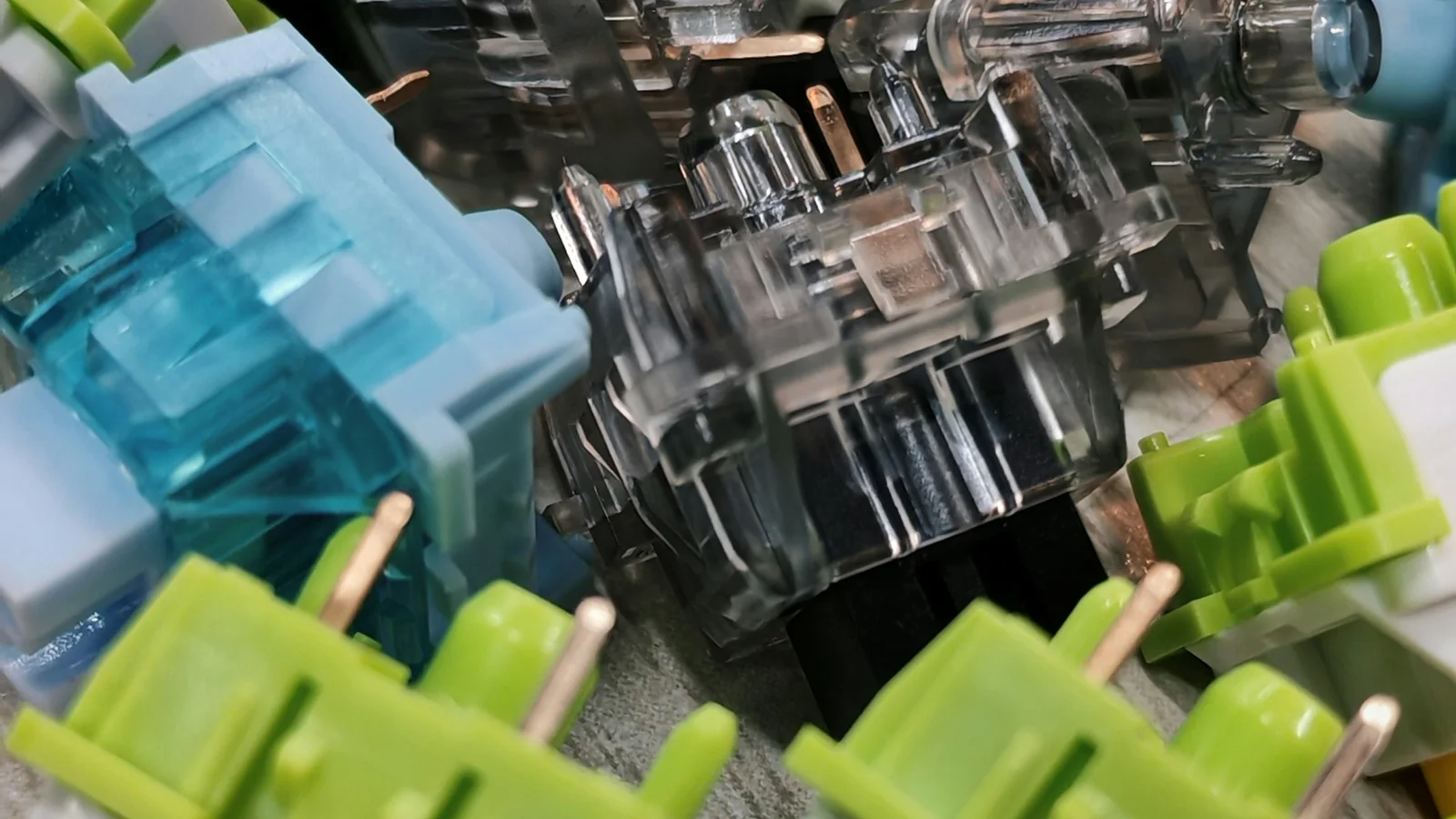
Compare linear, tactile, clicky, and silent mechanical switches by feel, sound, actuation force, travel distance, and use case so you can choose with confidence.
Read guide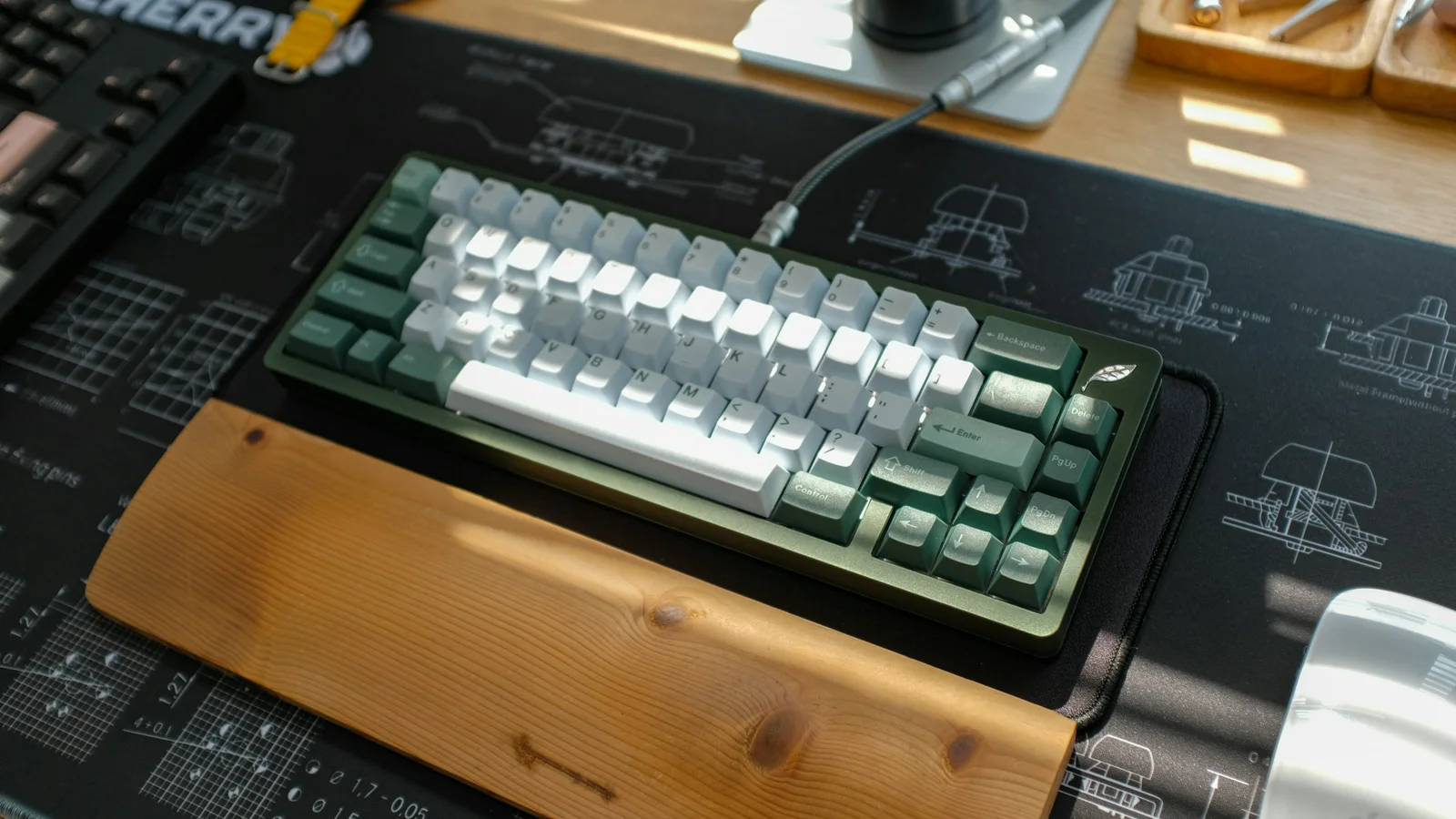
Learn what makes a mechanical keyboard sound thocky, clacky, creamy, or clicky, and follow a practical path to tune unwanted ping, rattle, or hollowness.
Read guide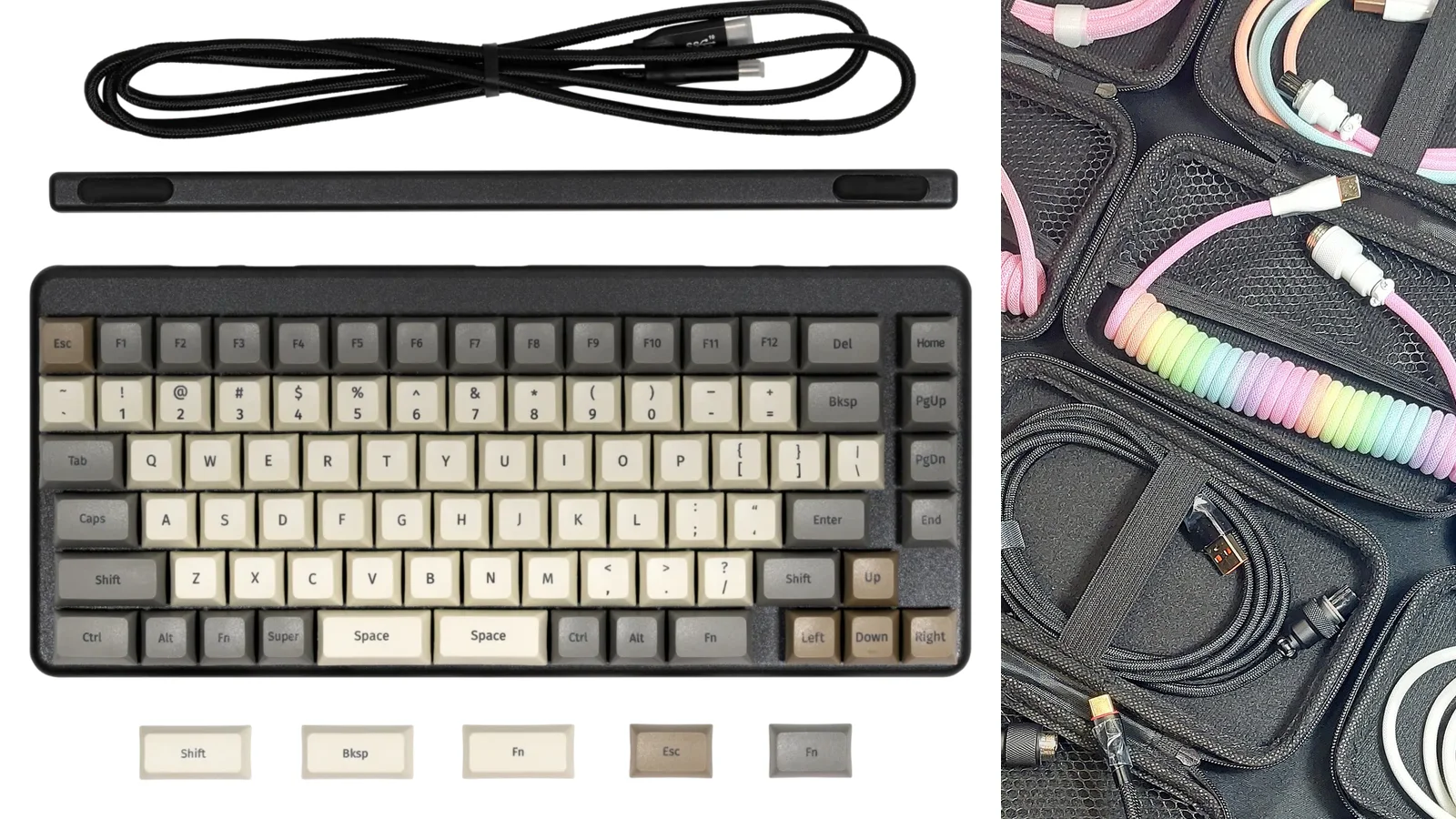
Build a practical keyboard toolkit with must-have pullers, cables, cleaning supplies, and desk protection, then decide which storage, wrist rests, modding tools, and upgrades are worth buying.
Read guide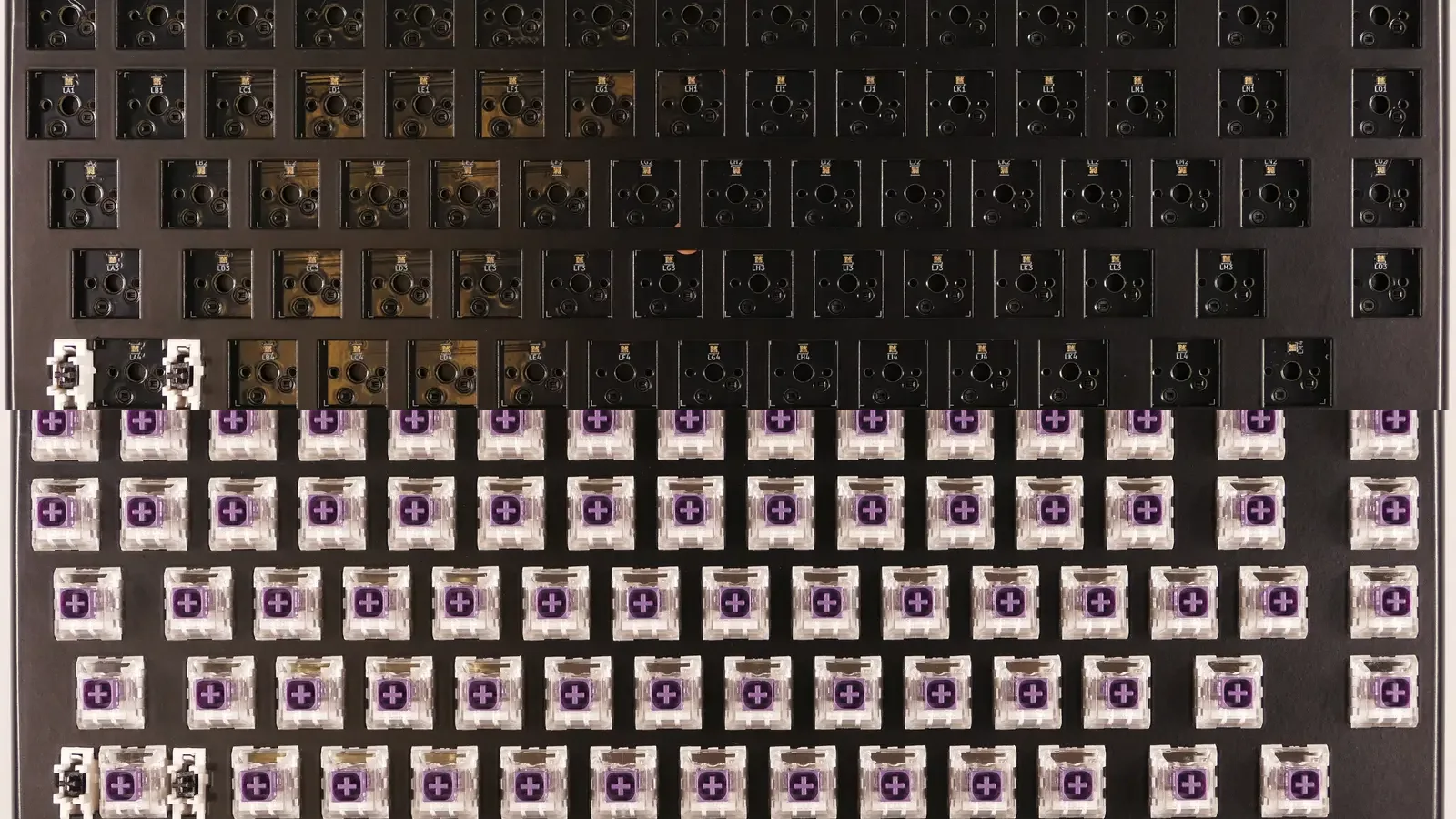
Build a custom mechanical keyboard with a compatibility checklist, safe assembly order, PCB testing, stabilizer setup, switch installation, soldering guidance, and practical troubleshooting.
Read guide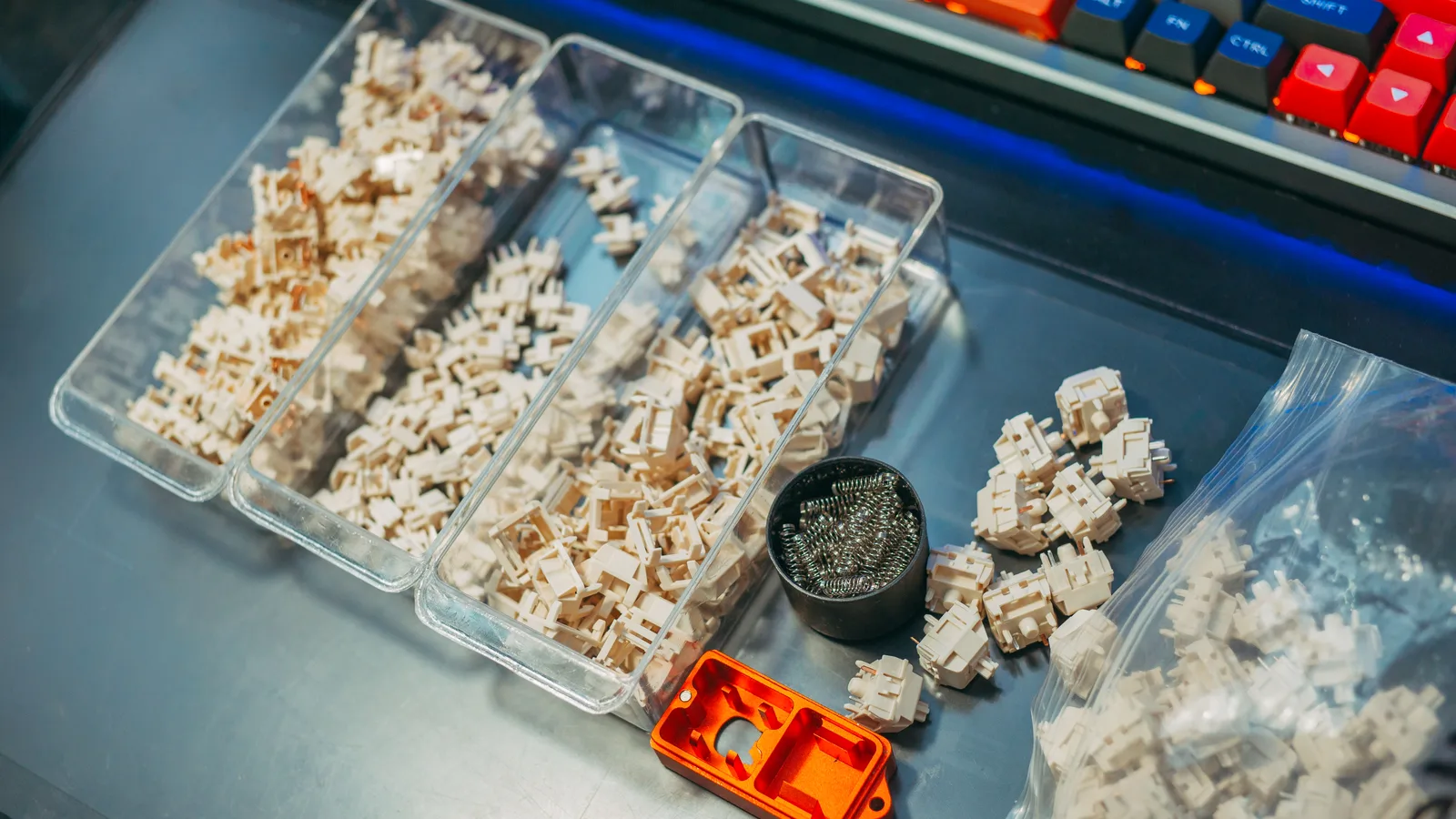
Learn which keyboard mods are worth trying first, how to tune foam, tape, stabilizers, and switches, and how to lubricate safely without damaging contacts or changing the feel you like.
Read guide
Learn what a programmable keyboard can change, how VIA and QMK differ, and how layers add shortcuts without assuming firmware experience.
Read guide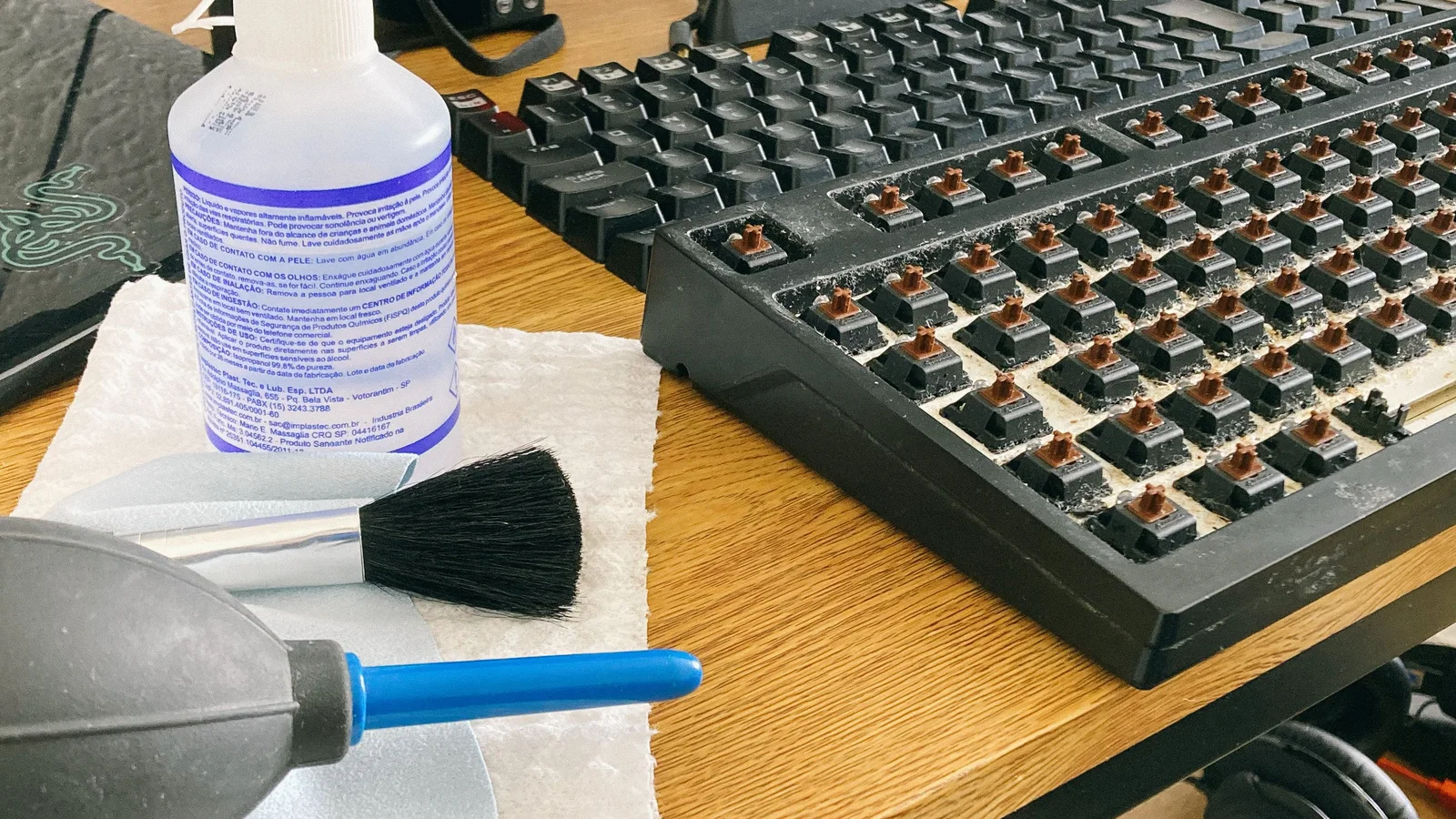
Keep your keyboard fresh and reliable with a safe daily routine, careful deep cleaning, and a clear spill-response plan.
Read guide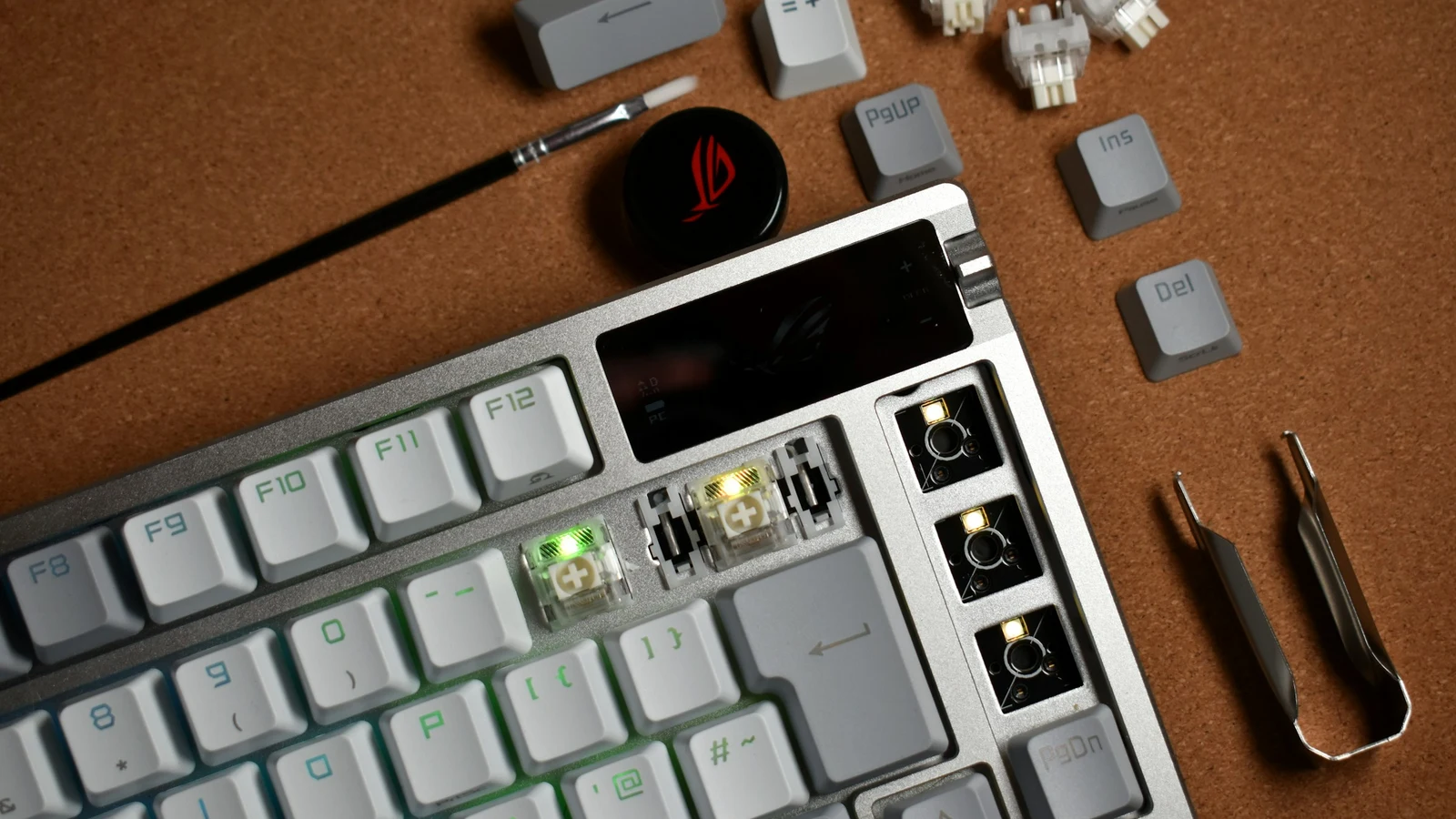
Diagnose dead keys, double typing, connection failures, rattling, wireless issues, and RGB faults with safe checks and clear stop conditions.
Read guide
Build a more comfortable typing routine with practical adjustments to chair height, keyboard position, mouse reach, breaks, and technique.
Read guide
Compare gaming and typing keyboard features without the marketing: latency, polling, switches, rollover, sound, programmability, and everyday comfort.
Read guide