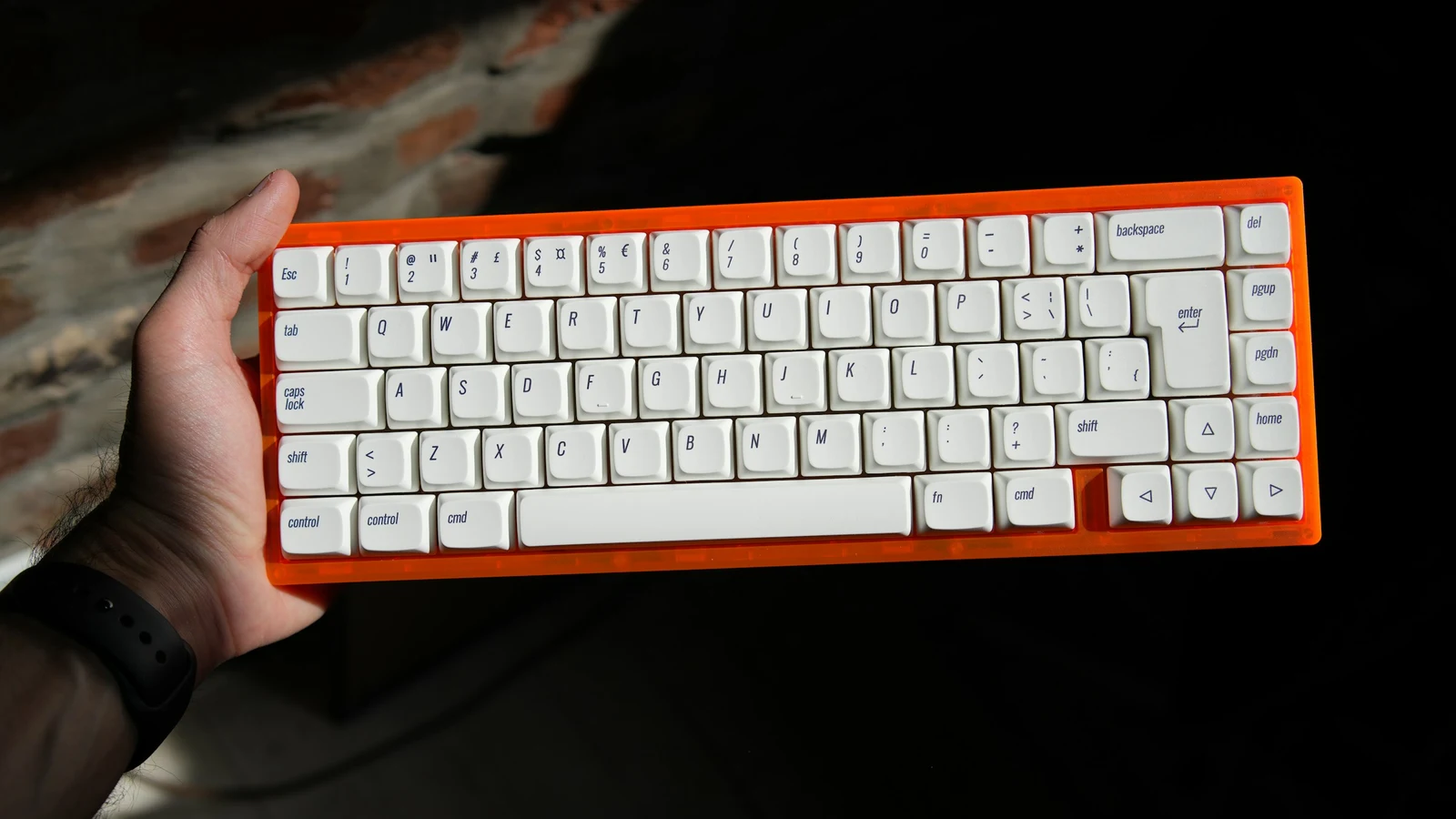
A mechanical keyboard budget is easier to plan when you price the whole first setup, not just the case on a product page. In 2026, indicative prices still vary widely by country, taxes, shipping, sales, and whether switches and keycaps are included. The useful question is not “What is the best keyboard for $X?” but “Which parts will I notice every day?”
The quick answer
For many first-time buyers, an indicative $80–150 for a complete keyboard can cover the features that matter most: a suitable layout, reliable USB-C, decent switches, and often hot-swap sockets. A lower budget can work very well when you accept a simpler case or wired-only operation. A higher budget mostly buys refinement, materials, acoustics, design, or collectibility rather than a proportional jump in typing ability.
The ranges in this guide are US-dollar examples only, not live prices, rankings, or purchasing advice. Your local total may be different.
Start with the total cost
A “barebones” board may not include switches or keycaps. A prebuilt board usually does, but the specification can hide differences in layout, connection, or firmware. Before comparing totals, check what is in the box.
| Item | Do you need it on day one? | Budget question |
|---|---|---|
| Keyboard case and PCB | Yes | Is the layout right, and is the board stable on your desk? |
| Switches | Yes unless included | Do you want linear, tactile, clicky, or silent switches? |
| Keycaps | Yes unless included | Is the layout standard enough for future replacements? |
| USB-C cable or receiver | Usually included | Does the cable detach, and does wireless include the correct dongle? |
| Switch and keycap pullers | Helpful, not essential | Are tools included or can you borrow them? |
| Switch sampler | Optional | Is trying a few feels cheaper than replacing a full set later? |
| Numpad or wrist rest | Use-case dependent | Would a separate accessory solve the problem more cheaply? |
| Shipping, tax, and returns | Yes, in the real total | What happens if the layout or switch feel is wrong? |
A complete wired board with included switches and keycaps can be a better value than a cheaper-looking barebones kit that needs several extras immediately.
Indicative budget tiers
Around $40–80: a functional first test
This range can provide a perfectly usable mechanical keyboard, especially in common full-size, TKL, or compact layouts. Expect more plastic, fewer connection choices, simpler stabilizers, and more variation between models. Hot-swap may be available, but confirm the socket type rather than assuming it.
Prioritize: correct layout, a return policy, a detachable USB-C cable, and acceptable noise for your room.
Save on: aluminum, displays, premium keycaps, and elaborate software.
Watch for: non-standard bottom rows, fixed switches, vague battery specifications, and key legends that do not match your operating system or ISO/ANSI needs.
Around $80–150: the flexible beginner zone
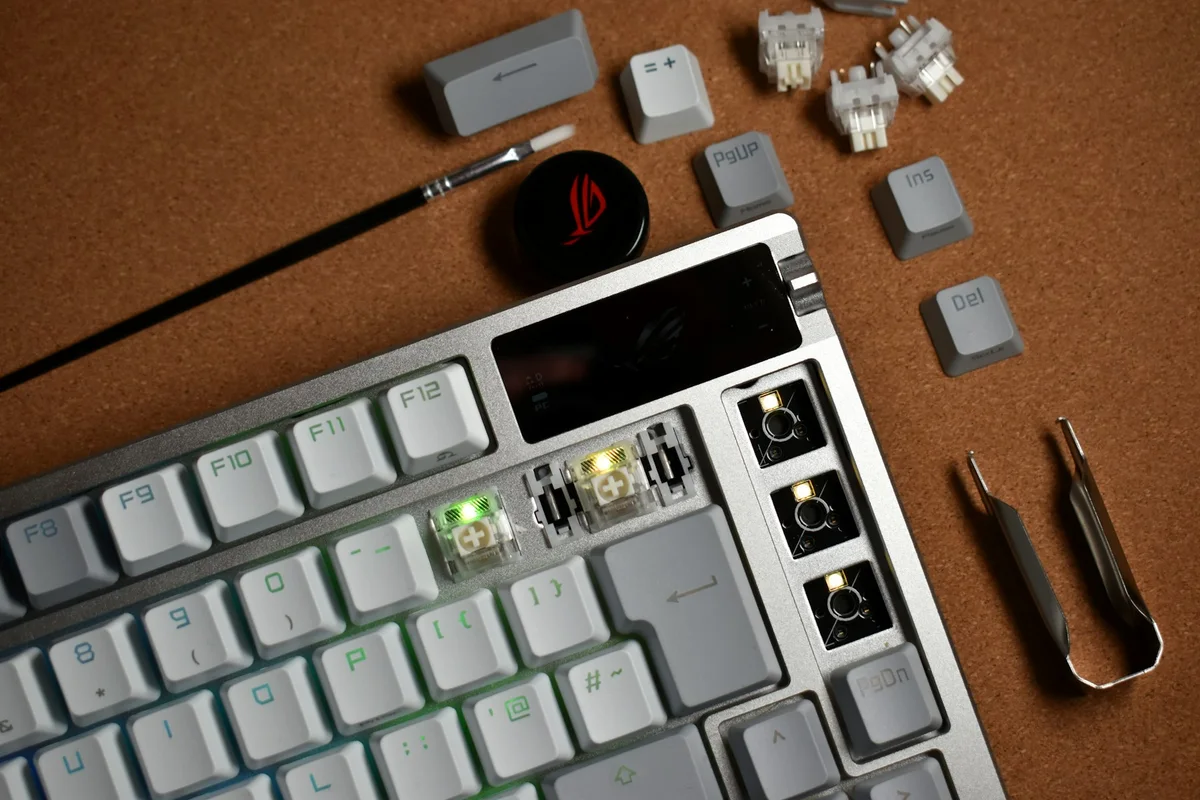
This is often where a first buyer can find hot-swap sockets, 65%/75%/TKL layouts, better stock parts, and sometimes 2.4 GHz or Bluetooth. The value depends on the exact configuration. A heavier case is not automatically a better-feeling one, and “gasket mount” does not guarantee comfort.
Prioritize: hot-swap compatibility, firmware support, stabilizer behavior, standard keycap sizing, and a layout that fits your desk.
Save on: decorative extras if they force you to compromise on switches or the connection you need.
Around $150–250: refinement rather than necessity
Here you may see better cases, plates, keycaps, wireless implementations, acoustic tuning, and more finish choices. Those improvements can be worth it if you type for long sessions, care about sound, or want a specific material. They are not required for a good first experience.
Ask: Can you name the refinement you are buying? “Better” should mean a quieter case, a preferred layout, smoother stabilizers, lower height, a stronger warranty, or another concrete benefit.
$250 and above: buy for a reason
Premium and custom boards can offer distinctive materials, limited designs, special mounting systems, artisan details, or a more involved ownership experience. Daily input performance may be only modestly different from a well-chosen mid-range board.
This tier makes sense when you already know your preferences or value the object itself. It is a poor first purchase when you are still unsure whether you want a 60%, clicky, wireless, or full-size keyboard.
Where to spend first
| Priority | Why it matters | What to verify |
|---|---|---|
| Layout and fit | A wrong size is frustrating every day | Width, depth, numpad, arrows, F-row, ANSI/ISO, and bottom row |
| Switch feel and noise | Your fingers and household experience every press | Force, travel, tactile bump, click mechanism, and sound test limits |
| Hot-swap | Lets you learn without replacing the keyboard | 3-pin/5-pin support, MX-style compatibility, and socket quality |
| Connection | Affects convenience and charging | USB-C, 2.4 GHz receiver behavior, Bluetooth wake-up, and battery access |
| Keycap compatibility | Makes later customization easier | Standard modifiers, stabilizer sizes, and replacement availability |
| Build and acoustics | Affects stability, resonance, and comfort | Case height, plate, stabilizers, flex, and desk interaction |
| RGB, knob, display | Personal preference and convenience | Only pay for these after the fundamentals are right |
Use the first keyboard guide to turn these priorities into a short list.
Where you can save safely
- Choose a plastic case if you prefer the layout and the board does not flex or rattle excessively.
- Stay wired if the keyboard will not move. You avoid a battery, receiver, and charging cycle.
- Buy a standard layout before buying a premium case with unusual keycap sizes.
- Use the included switches and keycaps until you know what you want to change.
- Choose a 65% or TKL instead of paying for a premium construction simply to gain desk space.
- Buy a separate numpad only if you need it occasionally. It can preserve mouse room without forcing a full-size main board.
Saving is not the same as buying the cheapest listing. A durable, repairable, returnable keyboard can cost less over time than a bargain board that cannot be customized or serviced.
Common budget traps
A low headline price with missing parts
Barebones kits, switch packs, and keycap sets are useful, but add their prices before comparing them with a complete board.
Paying for wireless you will never use
Bluetooth is convenient for laptops and tablets. 2.4 GHz can be useful for low-latency wireless. Neither is automatically better if the keyboard stays next to a desktop and a cable is fine.
Treating polling rate as a typing upgrade
A high polling number can reduce the maximum interval between reports, but it does not automatically make a switch faster or a keyboard more comfortable. The full input path matters. Read the gaming versus typing guide before paying a premium for a performance label.
Assuming a premium mount guarantees a premium sound
Case volume, plate, foam, keycaps, switch lubrication, stabilizers, desk material, and recording conditions all change sound. “Thocky,” “clacky,” and “creamy” are descriptions, not standardized measurements.
Three example plans
These are planning examples, not current shopping lists.
The careful tester
Choose a complete wired board in the $40–80 range, one familiar layout, and switches that are easy to replace if possible. Keep a small reserve for shipping or a switch sampler. This is sensible if you are unsure whether you prefer mechanical switches at all.
The flexible first board
Set aside roughly $80–150 for a complete hot-swap board with USB-C. Choose 65%, 75%, or TKL based on your daily keys. Spend any remaining room on the right switch feel or a return-friendly seller, not on a display.
The known enthusiast
If you already know your layout, sound, switch force, and connection preferences, a $150–250 or higher budget can buy refinements that you will notice. Write those requirements down before shopping so premium styling does not replace a missing feature.
Budget checklist
- I wrote down a total budget including shipping and local taxes.
- I confirmed whether the listing includes switches and keycaps.
- I selected the layout from my daily tasks, not a percentage alone.
- I decided whether wired, 2.4 GHz, Bluetooth, or multi-mode solves a real need.
- I checked hot-swap socket compatibility if experimentation matters.
- I left room for a switch sampler, separate numpad, or wrist support only if useful.
- I read the return, warranty, and battery-replacement terms.
- I can explain what each premium feature adds to my actual desk.
Bottom line
A good first budget pays for fit, feel, reliability, and the ability to change your mind. The most forgiving setup is often a complete, standard-layout, hot-swap board in the lower or middle range with the connection you will actually use. Once you have lived with it, a premium upgrade becomes a choice based on experience rather than speculation.
For the next decision, compare sizes using the keyboard size guide.