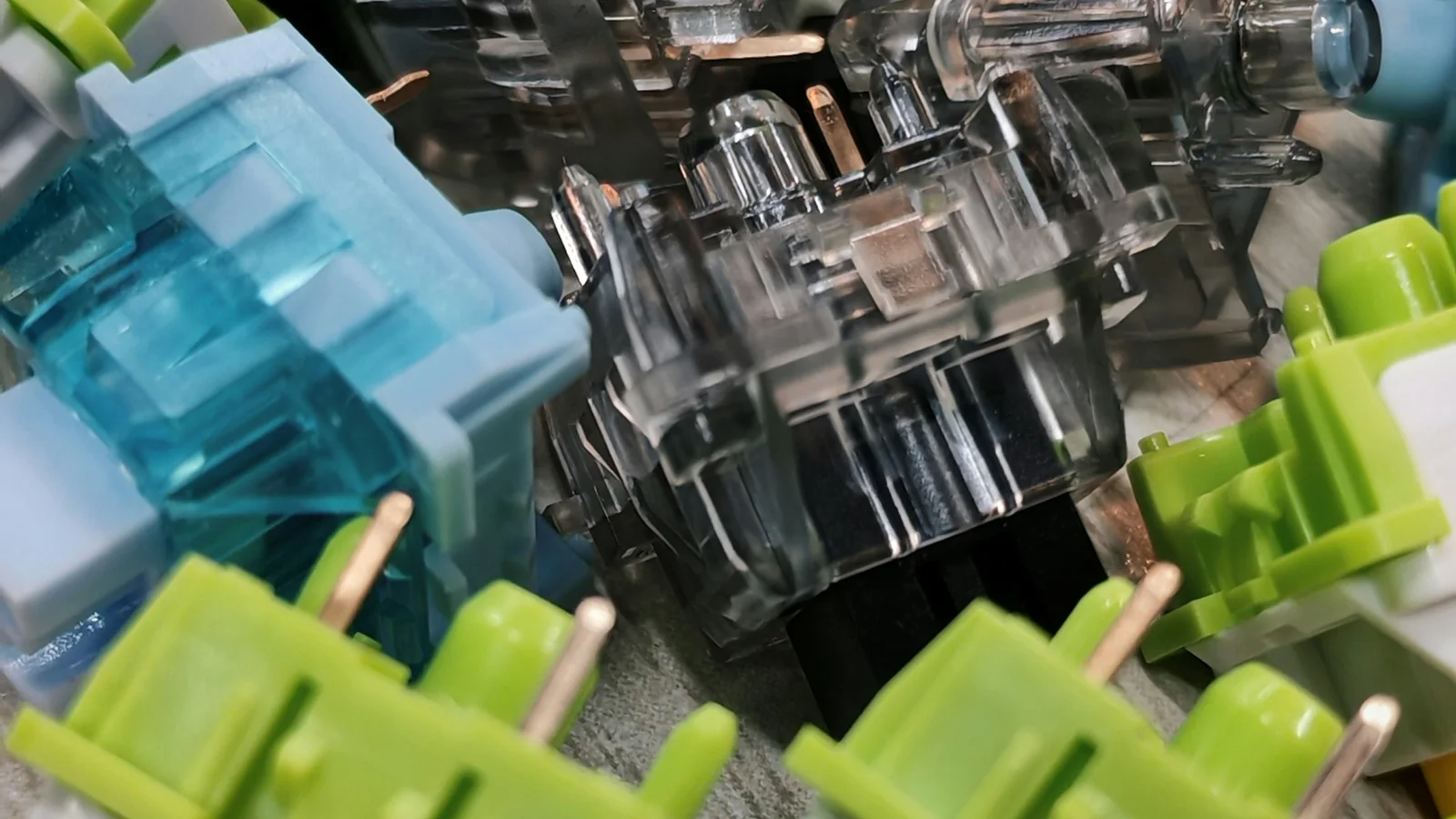
Choosing a mechanical switch starts with one practical question: do you want a smooth press, a physical bump, an audible click, or the lowest noise you can reasonably achieve? Linear, tactile, clicky, and silent switches are not speed settings or quality rankings. They are different ways of shaping feedback, force, and sound.
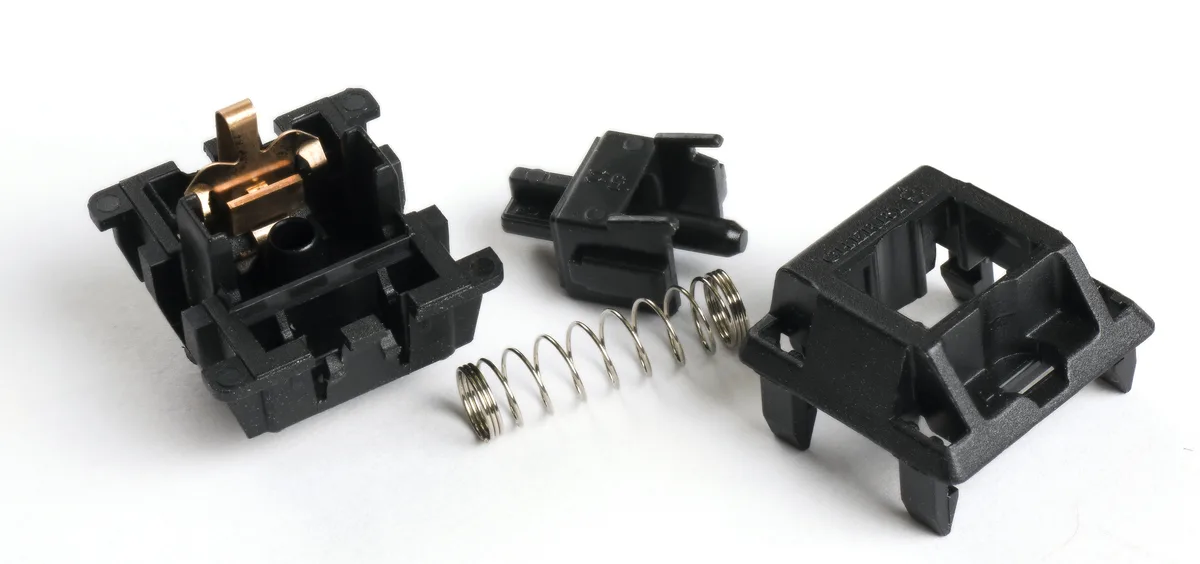

The three main switch categories
Linear switches: smooth from top to bottom
A linear switch has no intentional tactile bump or click mechanism. Its stem travels in a relatively continuous path, with resistance coming mainly from the spring and the friction of the moving parts.
What it feels like: smooth and uninterrupted. You can press lightly and release before bottom-out, or press through the full travel if that is your habit.
What it sounds like: usually the sound comes from the keycap, case, and the end of travel rather than a click inside the switch. A linear switch is not automatically quiet, but it avoids the dedicated click of a clicky switch.
Often suits: gamers who prefer a consistent press, fast typists who dislike a bump, and anyone who wants to explore smooth switches. It can take practice to avoid bottoming out if you are used to a tactile signal.
Common examples include Cherry MX Red, Gateron Yellow, and Kailh Speed Silver. These names are examples, not a promise that every revision feels identical.
Tactile switches: a bump without a click
A tactile switch has a shaped stem or housing that creates a noticeable change in resistance during the press. That bump can be subtle, rounded, sharp, early, or late depending on the model.
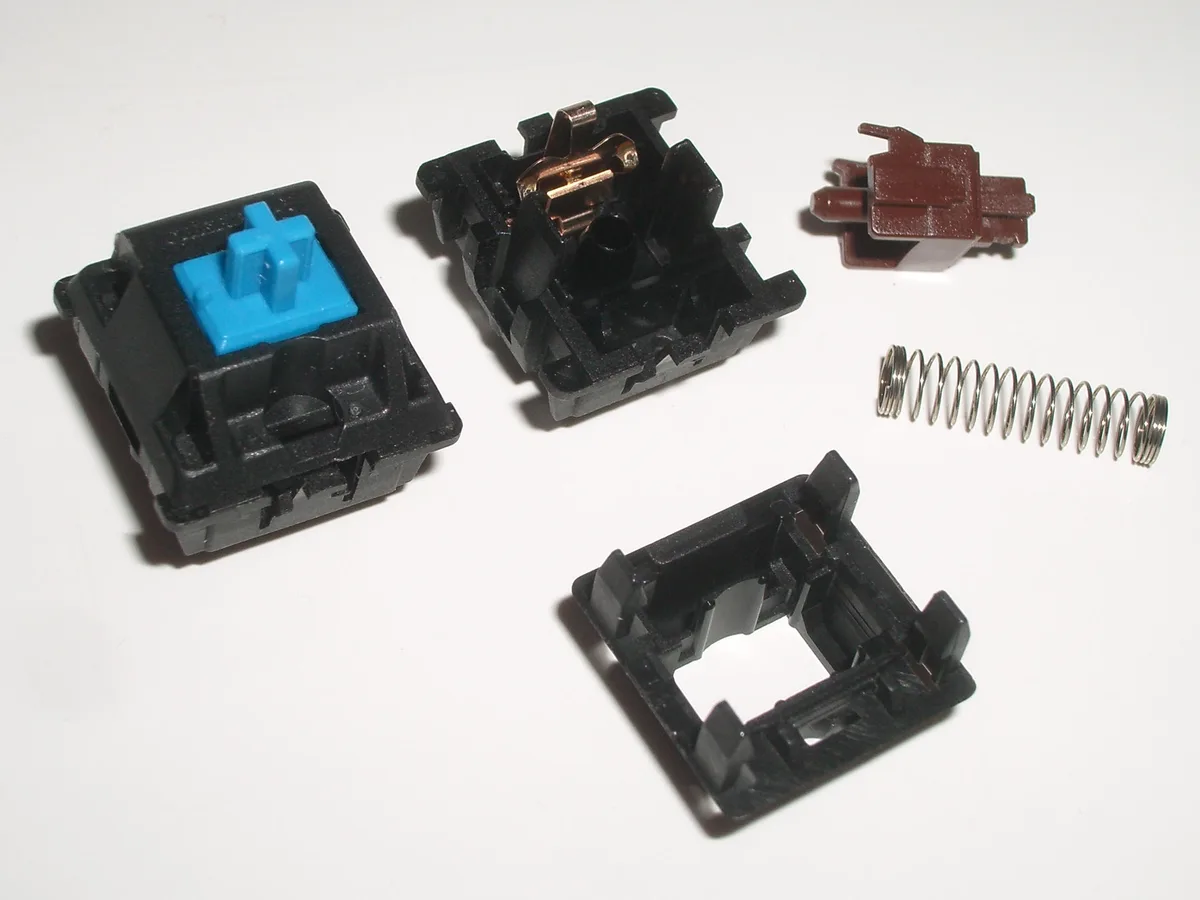

What it feels like: a physical cue that the key is approaching or passing its actuation point. The bump is feedback you feel, not necessarily a sound you hear.
What it sounds like: generally quieter than a clicky switch, but the keycap and bottom-out can still be prominent. A strong tactile bump does not tell you the exact noise level.
Often suits: touch typists, writers, programmers, and mixed-use boards where you want confirmation without a dedicated click. Some people find a strong bump tiring, while others prefer the control it provides.
Cherry MX Brown, Gateron Brown, Kailh Box Brown, and Boba U4T illustrate how wide the tactile range can be. The model name and force curve matter more than the word “tactile” alone.
Clicky switches: tactile and intentionally audible
A clicky switch adds a mechanism that produces a distinct sound during activation. Some designs use a click jacket and others use a click bar, so the character of the sound can vary.
What it feels like: usually tactile, with a crisp change in resistance and a clear audible event.
What it sounds like: the loudest category in most comparisons. The click can be satisfying in a private room and disruptive in a shared office, a meeting, or a recording setup.
Often suits: typists who actively want audible confirmation and users who can control the effect on people nearby. A clicky switch is a poor choice when “quiet” is a hard requirement.
Cherry MX Blue, Gateron Blue, and Kailh Box White are familiar examples. Treat sound descriptions as approximate because keycaps, case construction, and typing technique can change the result.
Quick comparison
| Feature | Linear | Tactile | Clicky |
|---|---|---|---|
| Feedback | Smooth resistance | Physical bump | Physical bump plus click |
| Dedicated click mechanism | No | Usually no | Yes |
| Typical sound tendency | Low to moderate | Moderate | High |
| Useful starting point for | Smooth presses and gaming | Typing and mixed use | Private spaces and audible feedback |
| Main trade-off | Easy to bottom out accidentally | Bump may feel distracting | Noise is difficult to hide |
No category guarantees speed, accuracy, or comfort. Your force, keycap, layout, and typing habits matter.
Actuation force, bottom-out force, and force curves
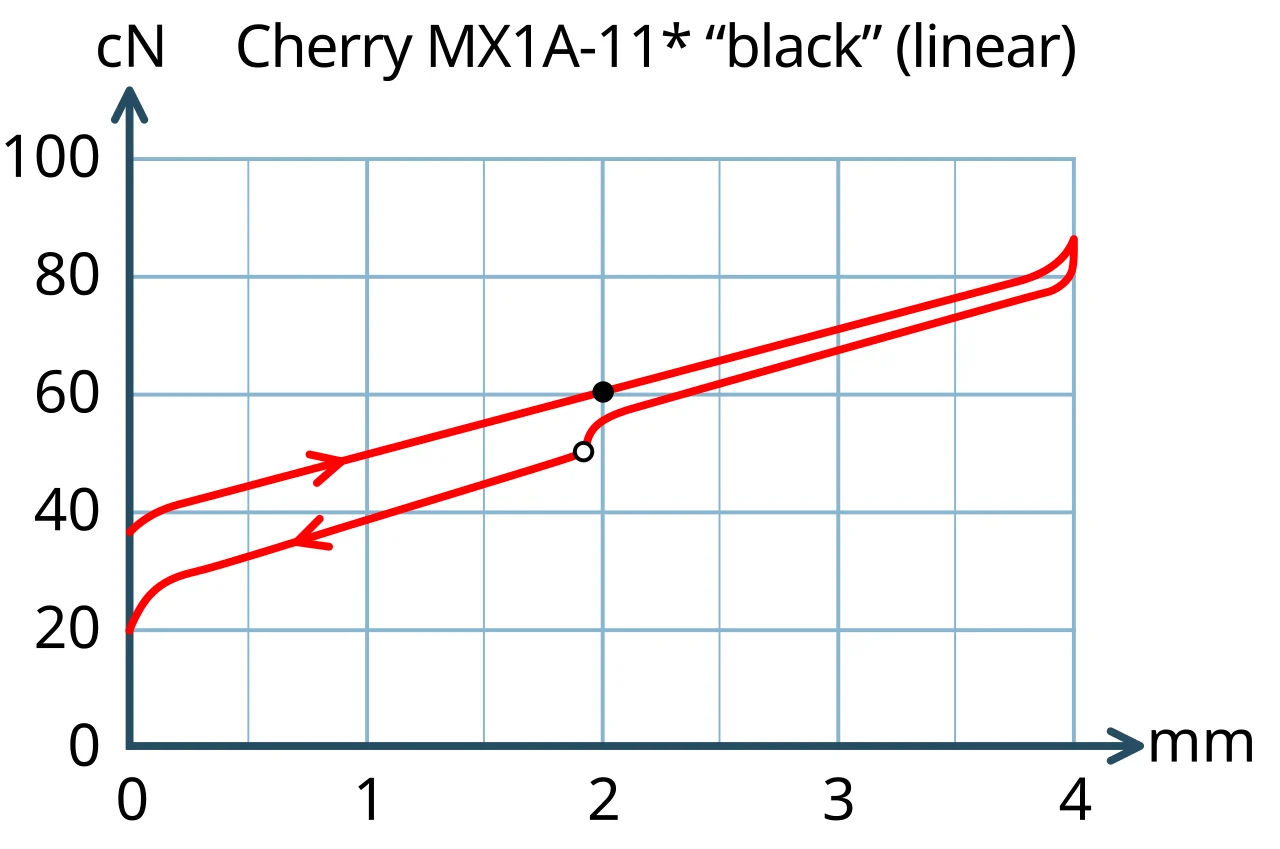
Actuation force is the force needed for the switch to register a keypress. It is commonly listed in grams or gram-force, although centinewtons are technically close to the same scale. A “45 g” switch is not a universal sensation: the location of its peak, the spring curve, friction, and the keycap all affect how it feels.
Bottom-out force is the force near the end of the press. It can be higher than actuation force, especially on switches with progressive springs or a pronounced tactile event. Product pages do not always publish both measurements, so avoid comparing a single number from one switch with a different number from another as if they described the same thing.

As a starting framework:
- Light, around 35–45 g: easy to trigger, but more prone to accidental presses for some typists.
- Medium, around 45–60 g: a common middle range for mixed use.
- Heavy, around 60 g and above: more deliberate, but potentially tiring over a long session.
These ranges are only orientation. A tactile switch with a 45 g spring may feel more demanding than a smooth linear switch with a similar published actuation number.
Travel distance and “speed” switches
Pre-travel is how far the stem moves before the key registers. Total travel is the full movement from rest to bottom-out. Standard MX-style switches are often close to 4 mm total travel with actuation around 2 mm, while short-travel or speed designs may activate earlier and stop sooner.
Shorter travel can reduce finger movement, but it does not make a player automatically faster and can increase accidental inputs while you adjust. It also changes the feel of bottom-out. Compare pre-travel and total travel together rather than treating one “speed” label as a performance guarantee.
Silent switches: quieter, not silent
Silent switches use small dampers, commonly on the stem, to soften the sound when the switch reaches the bottom and returns to the top. They are available most commonly as linear and tactile variants. The underlying feel can remain smooth or tactile, but the landing may feel slightly softer or less crisp.
Choose silent switches when you share a workspace, type near someone who is sleeping, or want to reduce microphone pickup. Remember:
- They reduce switch impact noise, not every sound from the keyboard.
- Keycap wobble, stabilizers, case resonance, and desk contact still matter.
- A clicky mechanism is designed to make a click, so a genuinely silent clicky category is not a practical expectation.
- Soft dampers can wear or feel different from a standard switch over time.
For the rest of the acoustic system, read understanding keyboard sound.
Which switch type should you choose?
Use your environment and typing style as the decision filter:
- Choose linear if you want uninterrupted travel and do not need a tactile cue. Look next at force, smoothness, and whether you bottom out.
- Choose tactile if you want to feel a keypress without a dedicated click. Decide whether you prefer a gentle bump or a pronounced one.
- Choose clicky only if the audible feedback is part of the appeal and people nearby are comfortable with it.
- Choose silent linear or tactile when noise reduction matters more than the sharpest bottom-out feel.
If you are undecided, a switch tester with one example from each category is more useful than a long list of “best” switches. Test the same keycap and, if possible, the same board, because the surrounding hardware changes both the sound and the force you perceive.
Finally, check compatibility before buying: standard MX-style, low-profile, optical, and Hall-effect switches use different parts and electronics. Once the category fits your hands and environment, use the switch comparison guide to compare force, travel, sound, and fit without treating a specification as a verdict.