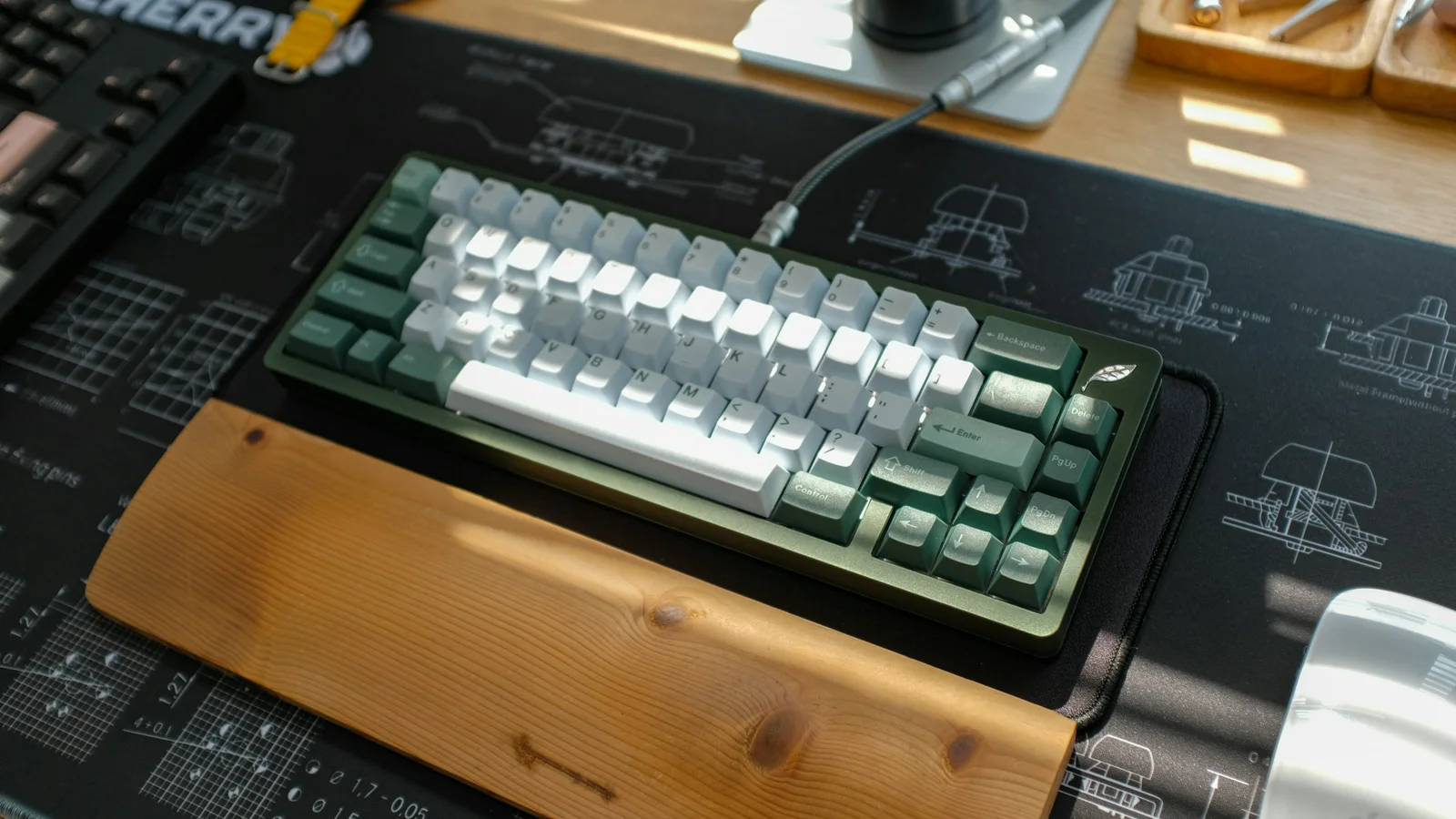
Keyboard sound is one of the first things people notice about a mechanical board. Some people want a deep, muted “thock”; others prefer a crisp “clack” or the unmistakable click of a clicky switch. A quiet office board and a lively enthusiast build can both be excellent choices.
The important caveat is that no single material guarantees a sound. Switch design, keycap thickness and profile, case construction, plate, mounting style, foam, stabilizers, desk surface, room acoustics, microphone, and typing technique all interact. Sound labels are useful shorthand, not laboratory categories.
The three main keyboard switch sound types
Linear switches
Linear switches move without a tactile bump or deliberate click. Their sound usually comes from the switch reaching the bottom of the travel, returning, the keycap moving, and the plate or case resonating. A light linear switch can sound sharp on a stiff build, while the same general switch type can sound soft on a flexible, damped board. Silent linear switches use internal dampers to reduce impact, but “silent” does not mean completely inaudible.
Tactile switches
Tactile switches have a bump during the keystroke. That event can add a small peak to the sound, but tactility does not automatically make a switch loud. A rounded, light tactile switch may sound restrained; a stronger tactile design can produce a more pronounced “pop” or bottom-out. Typing force still matters.
Clicky switches
Clicky switches include a mechanism intended to create a separate click, often on both the press or release depending on the design. They are usually the loudest option and can be satisfying for rhythm and feedback, but the sound carries farther in shared spaces. A click jacket, click bar, and the rest of the build do not sound identical, so listen to the exact model where possible.
What changes the sound?
Switch construction and condition
Spring noise, housing tolerance, lubrication, and stem design affect pitch, scratchiness, and consistency. Lubrication can reduce friction and spring ping when applied correctly, but over-lubrication can make a switch sluggish or dull. Factory-lubed, hand-lubed, filmed, and unlubed switches can all sound different.
Keycaps
Keycap material, thickness, profile, and fit change the resonant cavity above each switch. Thicker or denser caps often shift the impression lower and fuller, while thin caps can sound brighter, but neither outcome is guaranteed. ABS and PBT are broad material families with many wall thicknesses and molds. A well-built thin set can sound better to you than a thick set in another board.
Plate and mounting
A stiff metal plate, a flexible polymer or FR4 plate, and a plateless build can transmit impact differently. Mounting style changes how the plate and PCB move inside the case. Gasket, top, tray, sandwich, and other constructions are not sound presets: the exact gasket, screws, foam, tolerances, and case still matter.
Case, dampening, and desk
The case can amplify, reflect, or absorb vibration. Internal volume and shape may create hollowness or resonance. Case foam, plate foam, PCB foam, silicone, or other dampers can reduce unwanted energy, but too much material can make a board muted, alter flex, or interfere with assembly. A desk mat can reduce vibration transferred to the desk, so the same keyboard may sound different on wood, glass, or a padded surface.
A useful keyboard sound vocabulary
| Term | What people usually mean | Possible contributors |
|---|---|---|
| Thocky | Deep, rounded, lower-pitched impact | Keycap profile, mounting, case volume, dampening, and typing force |
| Clacky | Bright, crisp, higher-pitched impact | Thin caps, stiff transmission, little damping, and hard bottom-out |
| Creamy | Smooth and blended, with little harshness | Consistent switches, suitable lubrication, damping, and a controlled build |
| Poppy | Distinct, lively attack with clear definition | Tactile event, moderate damping, and the interaction of cap and plate |
| Pingy | Metallic ring or overtone | Spring, plate, screw, or case resonance |
| Scratchy | Rough noise during switch travel | Friction, tolerances, wear, or insufficient lubrication |
| Rattly | Loose noise, often on long keys | Stabiliser wires, housings, keycap fit, or uneven mounting |
These are enthusiast descriptions, not objective ratings. Room reflections, recording gear, compression, and listening position can make the same keyboard appear to have a different profile in a sound test.
Match the sound to the room
For an office, classroom, or shared home, consider silent switches, a lighter typing style, damping, and a desk mat. A clicky board may be ideal for private use but intrusive through a thin wall. If you share a desk, ask the people nearby rather than assuming a “quiet” marketing label is quiet in every room.
Sound is also feedback. A click or tactile event can help some people maintain rhythm, while others prefer the smoother feel of a linear switch. Choose the interaction you enjoy, then tune the rest of the build around it.
A practical sound-troubleshooting path
1. Establish a fair baseline
Use the same desk, keycaps, typing force, recording position, and room when comparing changes. Listen to several keys, not just one. A sound test is a reference, not a promise that your board will sound identical.
2. Locate the noise
- One key sounds rough: suspect that switch, its keycap fit, or local debris.
- Space bar, Shift, or Enter rattles: inspect the stabilizer wires, housings, and keycap.
- A metallic note follows many keys: check spring, plate, screw, or case resonance.
- The whole board sounds hollow: check the case volume, internal gaps, and desk surface.
- The bottom-out is harsh: reduce typing force first, then consider plate, mounting, or damping changes.
3. Try low-risk changes first
Clean away debris, reseat a loose keycap, check that screws are evenly seated, and place the keyboard on a desk mat. Compare a lighter touch with the same hardware. For wireless boards, sound itself is not usually caused by Bluetooth or 2.4 GHz, but a different typing setup can change your force and rhythm.
4. Modify one variable at a time
A compatible case or plate foam insert may reduce hollowness. Stabiliser tuning can reduce rattle. Correct lubrication can reduce scratch and spring noise. A different keycap set can shift the pitch and resonance. Make sure any modification preserves switch travel, does not block sockets or battery space, and does not void a warranty. Do not pack a case tightly with foam or use lubricant where the manufacturer does not permit it.
If the same key still double-registers, sticks, or makes a new electrical noise, stop treating it as an acoustic problem and use Troubleshooting Common Keyboard Issues.
A sensible way to choose your sound
- Decide whether the room needs quiet, moderate, or expressive feedback.
- Choose a switch type based on feel and click preference, not sound name alone.
- Listen to the complete keyboard or a close build, not just a loose switch recording.
- Treat keycap, plate, mounting, case, foam, desk, and technique as a combined system.
- Change one part at a time and keep notes about what you hear.
For the switch feel behind these categories, see Mechanical Switch Types. For cap thickness and profile, read Keycap Materials and Profiles. For safe cleaning before diagnosing a scratchy or sticky sound, use Cleaning and Maintenance.
The best keyboard sound is not a material checklist. It is the result of a build and typing habit that work well together in your actual room.