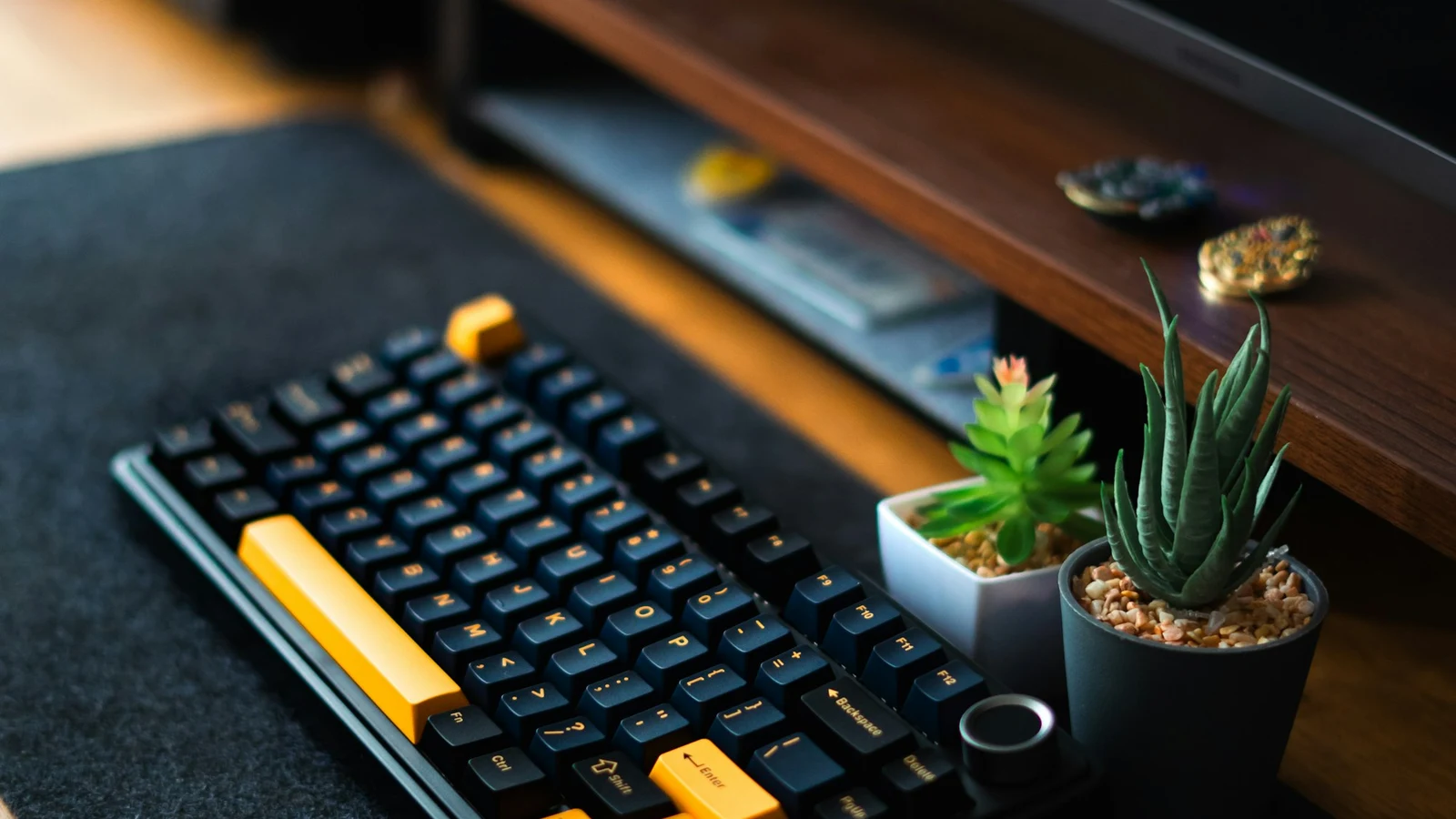
A mechanical keyboard uses a separate physical switch beneath every key. That design changes how a key feels, how much force it needs, and how much sound it makes compared with a membrane keyboard. If you are deciding whether a mechanical keyboard is worth trying, the important question is not whether it is universally “better,” but which combination of feel, noise, durability, and customization matches your use.
.jpg)

How a mechanical keyboard registers a keypress
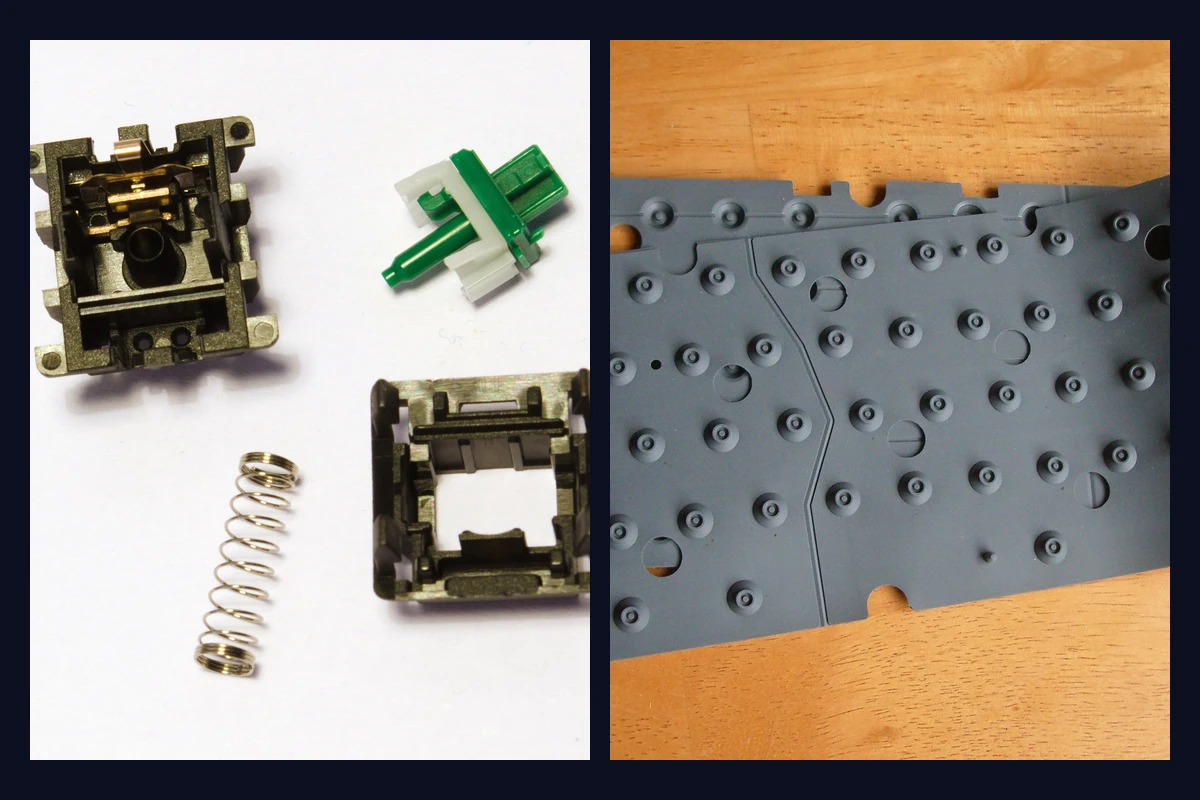
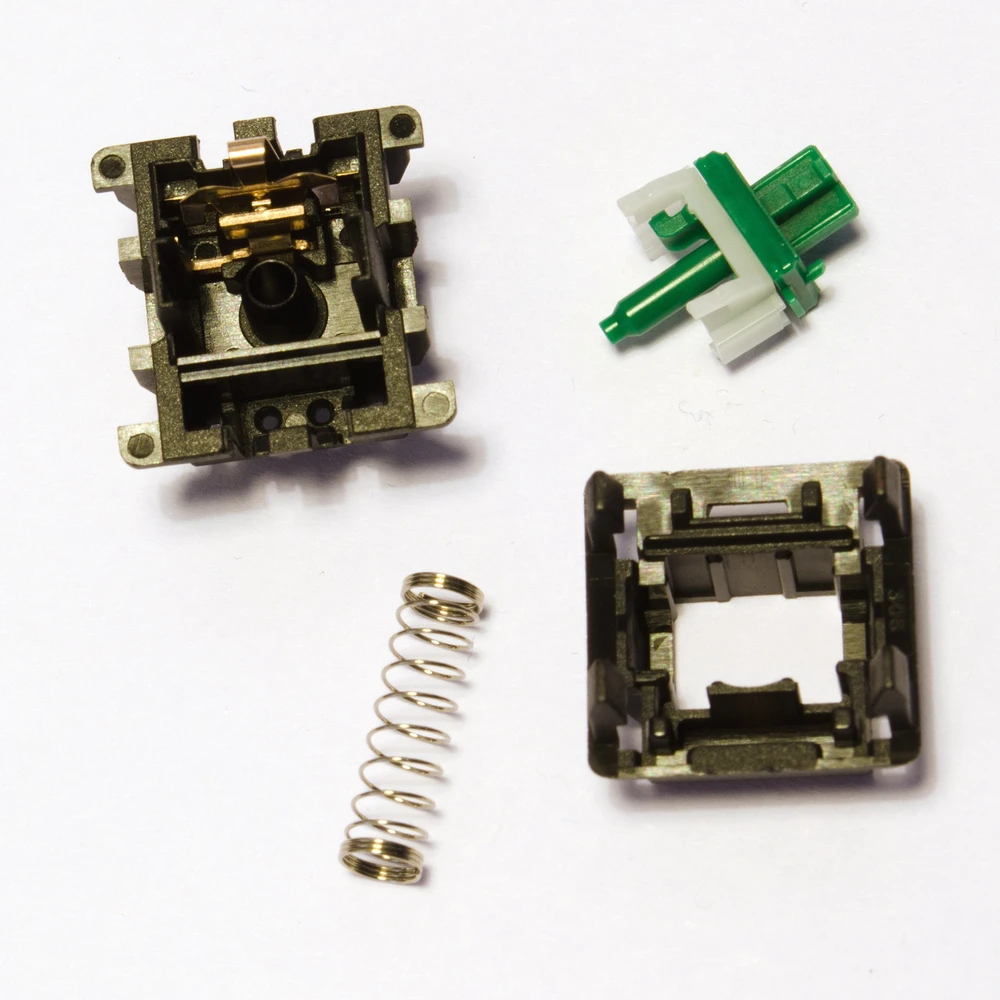
Under a mechanical keycap sits a switch with a housing, stem, spring, and electrical contacts. Pressing the key moves the stem, compresses the spring, and closes the circuit at the switch’s actuation point. Releasing the key lets the spring return the stem to its resting position.
The switch is therefore doing more than holding up the keycap. Its shape and spring determine whether the press feels smooth, has a bump, or produces a deliberate click. The keyboard’s plate, case, keycaps, stabilizers, and firmware also contribute to the final experience.
Mechanical vs. membrane keyboards
A membrane keyboard usually uses a rubber dome or silicone sheet shared across a group of keys. Pressing the key collapses the dome and brings conductive layers together. It can be inexpensive, light, and quiet, but the resistance often changes more noticeably through the press and individual keys are harder to replace.
| Consideration | Mechanical keyboard | Membrane keyboard |
|---|---|---|
| Key mechanism | Individual switch per key | Shared rubber dome or membrane layers |
| Feel | Depends on the switch: linear, tactile, or clicky | Usually soft and dome-driven |
| Sound | Ranges from muted to loud; depends on the build | Often quieter, though key impact is still audible |
| Serviceability | Many boards allow switch or keycap replacement | Usually limited to cleaning or replacing the whole board |
| Durability | Switch ratings commonly reach tens of millions of presses | Ratings vary widely by design and use |
| Up-front cost | Often higher | Often lower |
These are general tendencies, not guarantees. A well-damped mechanical keyboard can be quieter than a poorly damped membrane board, and an inexpensive mechanical model may not have the materials or construction of a custom keyboard.
Why people choose mechanical keyboards
A more defined typing feel
A switch can give you a consistent reference during the press. Linear switches move smoothly, tactile switches add a physical bump, and clicky switches add a separate audible click. That feedback can make long typing sessions feel more deliberate, but it does not automatically make someone faster or more accurate. Technique and familiarity matter more than the label on the switch.
If you are new to the categories, start with mechanical switch types before choosing a board.
Long service life
Many mechanical switches are rated for roughly 50 to 100 million actuations, but that figure is a laboratory rating for the switch mechanism, not a promise that every part of the keyboard will last that long. Cables, batteries, sockets, controllers, stabilizers, and keycap legends can age differently. A replaceable or repairable board can still be valuable because one worn component does not necessarily end the keyboard’s life.
More ways to customize
Depending on the model, you may be able to change:
- Switches, if the PCB has compatible hot-swap sockets or you are comfortable soldering.
- Keycaps, including their material, profile, texture, and legends.
- Layout, from full-size boards to compact and ergonomic formats.
- Firmware, with remapping, layers, and macros on supported boards.
- Sound and feel, through case design, plate material, stabilizer tuning, dampening, and typing technique.
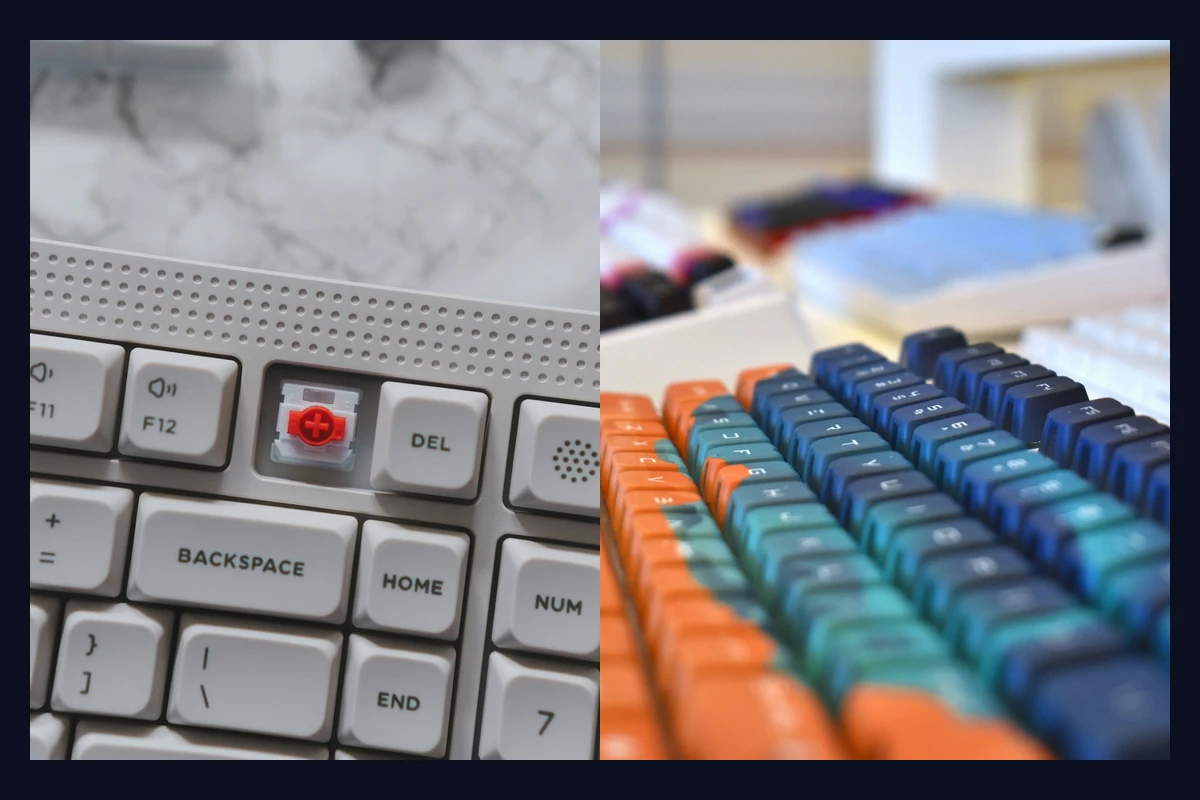
For a useful map of the parts involved, see mechanical keyboard anatomy. It explains which changes affect the switch, the sound, and the overall rigidity of the board.
What about noise and comfort?
“Mechanical” does not mean “loud” by definition. Clicky switches create an intentional click mechanism, while linear and tactile switches usually make sound from the keycap and the switch reaching the end of travel. Silent linear and tactile switches add dampers to soften those impacts. They are quieter, not silent, and the case, keycaps, desk, and typing force still matter.
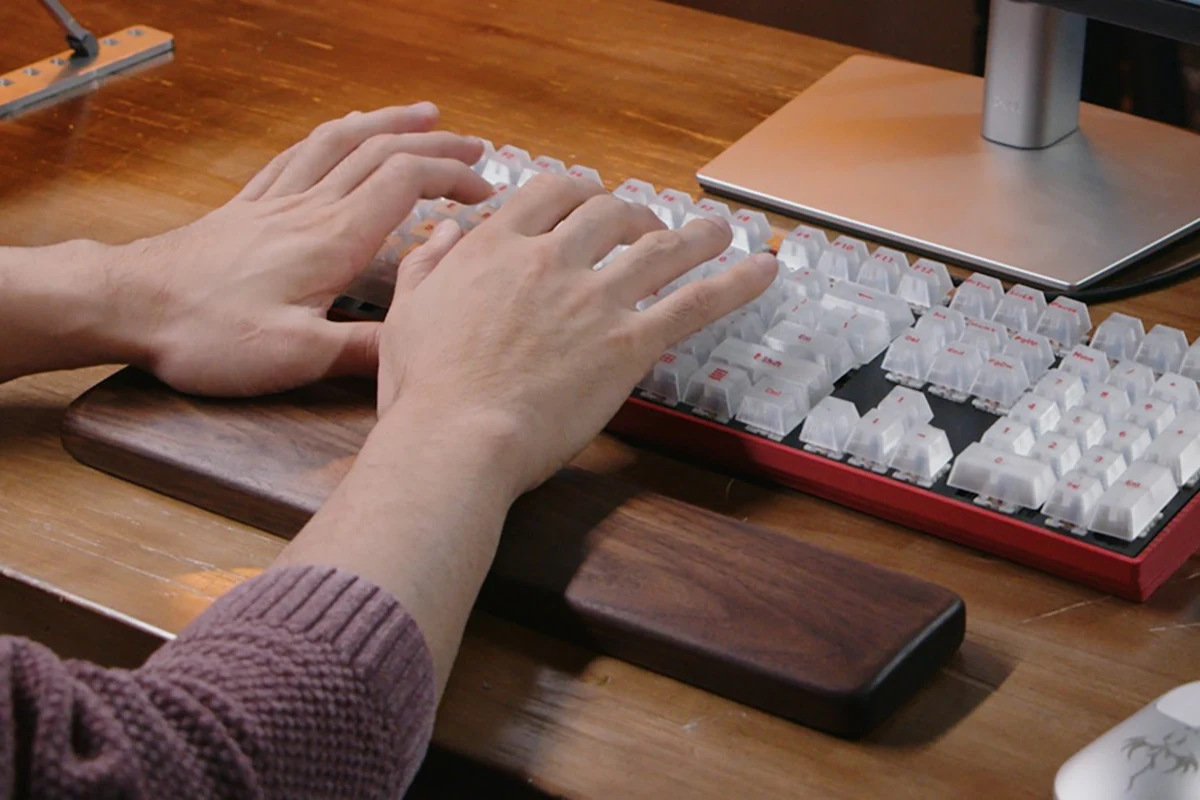
Comfort is just as personal. A lighter switch may reduce the force needed for each press, but it can also make accidental presses more likely. A heavier switch can feel controlled to one typist and tiring to another. A different keycap profile or keyboard angle may matter more than the switch itself. If sound is your main concern, the keyboard sound guide covers the rest of the acoustic chain.
When a mechanical keyboard may not be the right choice
A mechanical keyboard may be a poor fit when:
- You need the lightest, cheapest, or most portable option.
- You share a room and cannot control typing noise.
- You do not care about replaceable parts or customization.
- You prefer a short, soft press and dislike a more defined key return.
- A specific low-profile or laptop-like layout matters more than switch choice.
A membrane or scissor keyboard can be the sensible option in those situations. The goal is a comfortable tool, not a particular category.
A simple way to get started
- Set the environment first. Decide whether you need a quiet board, a standard sound profile, or an audible click.
- Choose a broad feel. Linear is smooth, tactile has a bump, and clicky has a bump plus a click.
- Check the layout and connection. A perfect switch cannot fix a board that is too large, lacks the keys you need, or has the wrong wireless behavior.
- Try a tester or sample pack. Specifications narrow the field, but your fingers and ears make the final decision.
There is no single best mechanical keyboard. Once you know what an individual switch does, you can compare complete boards with much less guesswork and choose the parts that support the way you actually work, play, and type.