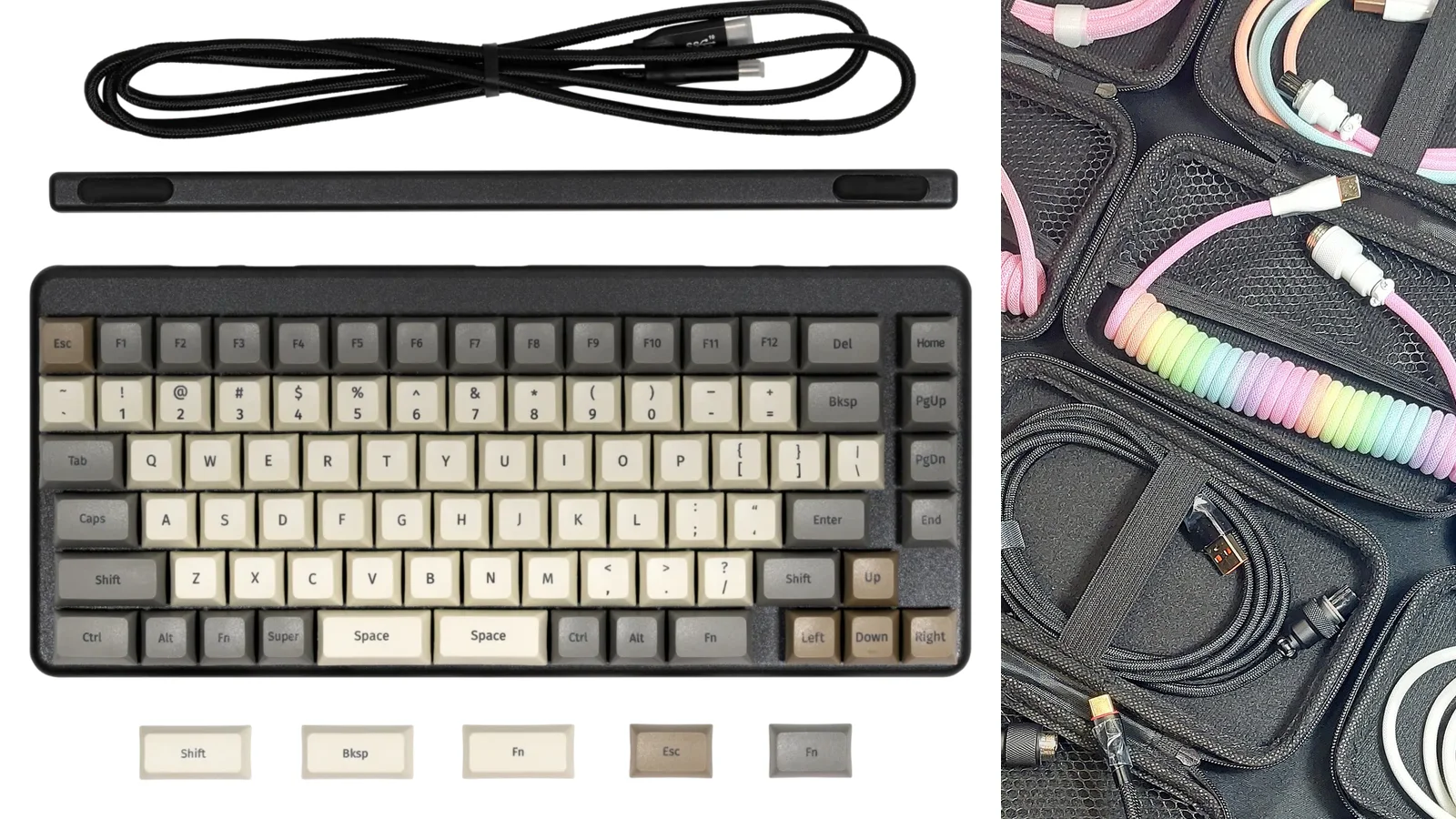


A mechanical keyboard does not need a large collection of accessories to work well. Start with tools that prevent damage and make routine care easier. Add comfort, storage, and modding equipment only when your desk, board, or habits give you a reason.
The short buying list
Most owners need:
- A smooth wire keycap puller
- A switch puller only if the board is hot-swappable
- A compatible data USB cable, if the board is wired or uses USB for charging and data
- A small screwdriver or bit set that fits the case screws
- A clean desk mat or soft work surface
- A soft brush, microfiber cloth, and a safe way to store removed keycaps
Enthusiasts may add:
- Switch opener and lubricant
- Stabilizer tools and suitable grease
- Soldering equipment for soldered builds
- Travel case, dust cover, cable management, wrist rest, and switch tester

Must-have tools
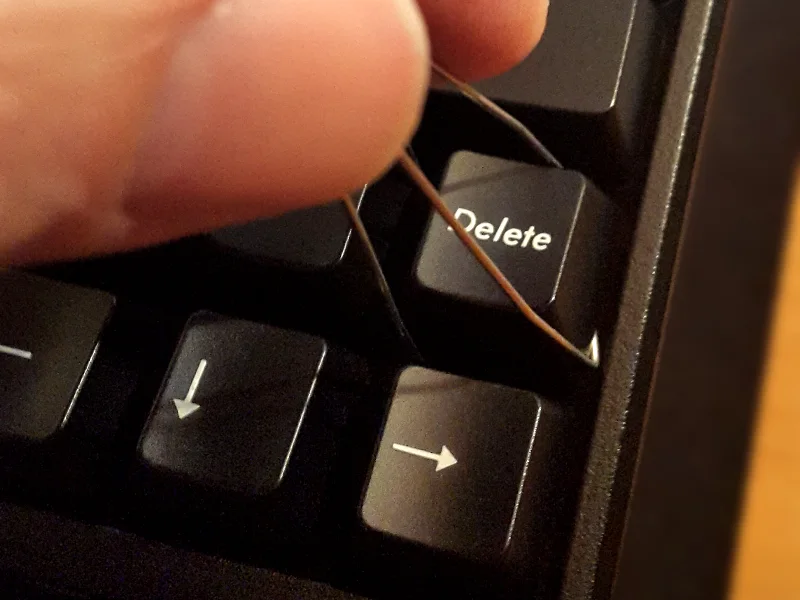
Keycap puller
A wire puller lifts a cap evenly from both sides without levering against the switch. It is safer than a screwdriver, knife, or improvised hook.
Look for smooth wires without burrs, a grip that does not slip, and enough width to sit below the cap. Lift vertically. If a cap is stabilized, pull gently and evenly rather than twisting one corner.
A basic puller included with a board may be perfectly adequate. You do not need a premium version unless the original is rough or uncomfortable.
Switch puller for hot-swap boards
A switch puller is useful only when switches can be removed without desoldering. Its two prongs should release the top and bottom clips at the same time while you lift straight up.
Do not use it on a soldered switch as a shortcut. Pulling a soldered switch can tear pads or damage the PCB. On a hot-swap board, inspect switch pins before reinserting a removed switch. Repeated force can loosen a socket.
Screwdriver or bit set
Use the driver size that fits the screw head exactly. A small Phillips or hex set is more useful than a decorative tool kit with oversized bits. Keep a tray nearby so screws from different case layers do not get mixed.
If a screw resists, stop and check the size, thread, and alignment. Stripped heads and cracked cases usually begin with too much force.
Data cable
For a wired board, keep one known-good USB data cable for testing. A charge-only cable can make a healthy PCB appear dead. Check the connector shape, length, strain relief, and whether a detachable daughterboard uses a special cable path.
A coiled or custom cable is an appearance choice. It is not automatically faster, safer, or better for firmware work.
Desk protection and everyday care
Desk mat
A desk mat protects the surface, reduces sliding, and can soften the sound of a keyboard on a hard desk. Cloth is a practical starting point because it is comfortable and easy to replace. Leather-like surfaces wipe clean easily but may reflect more sound. Rubber provides grip but can feel tacky in heat.
Choose a size that leaves room to move the keyboard and mouse without forcing the board onto an edge. Wash or wipe the mat according to its material. Do not assume a printed surface can be scrubbed aggressively.

Cleaning supplies
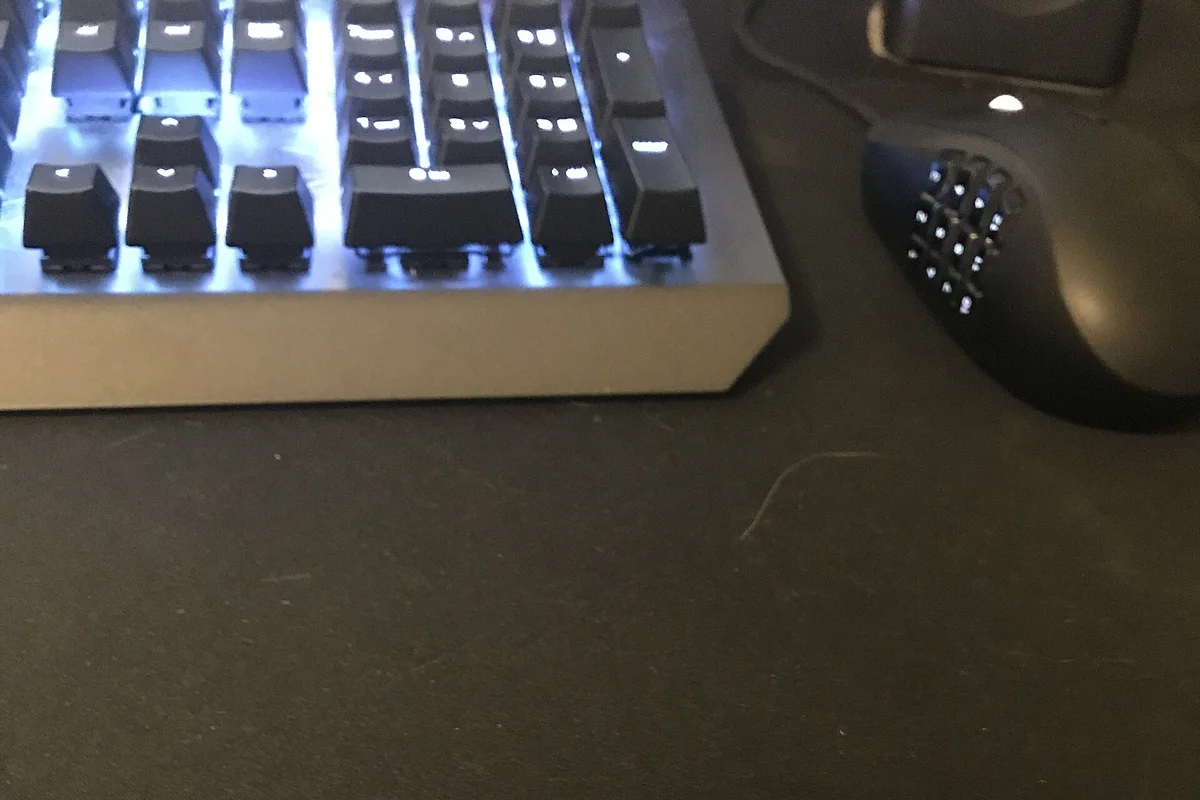
A soft brush, microfiber cloth, and a bulb air blower are usually enough for routine dust. Remove keycaps before deeper cleaning and keep moisture away from switches, USB ports, batteries, and the PCB.
Use mild soap and lukewarm water for compatible rigid keycaps, then let them dry fully. Avoid household polish, oily cleaners, abrasive sponges, and strong solvents unless the material maker specifically permits them.
Protection and storage
Carrying case
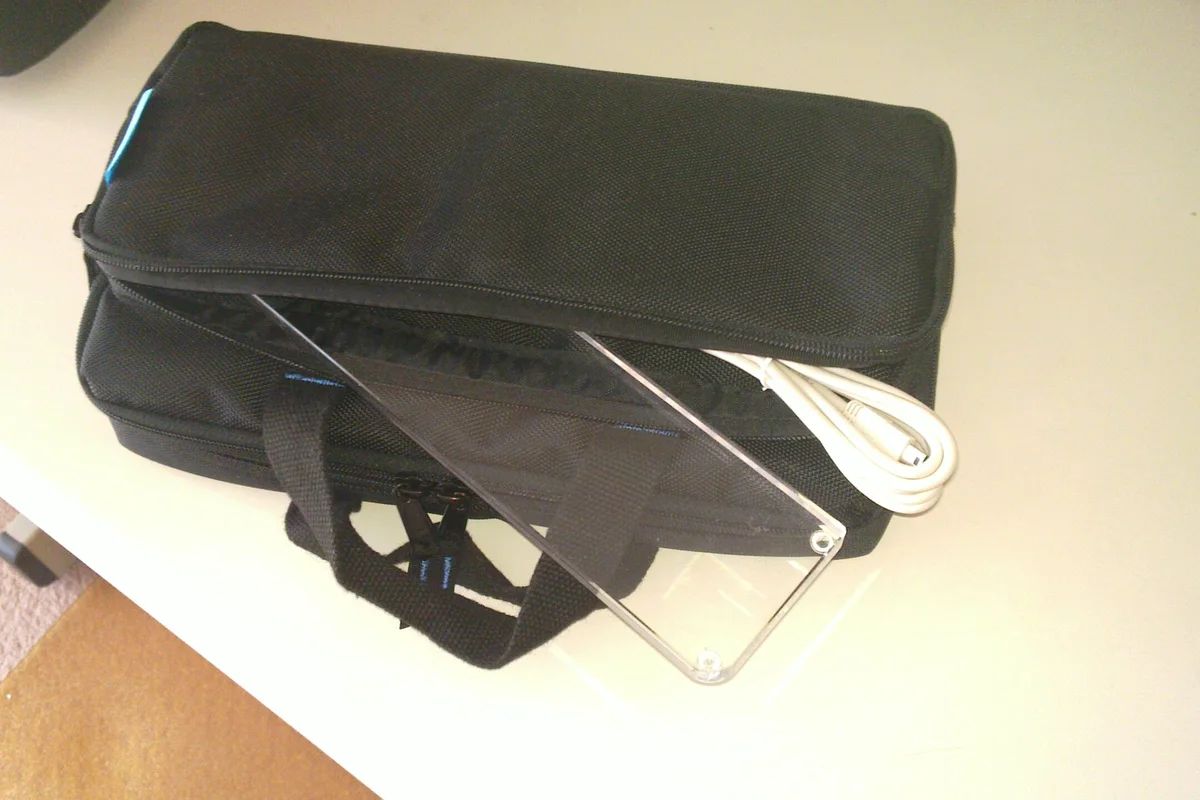
Buy a case if you travel with a keyboard, store several boards, or need protection for a board with a fragile case. Match the case to the board’s actual outside dimensions, not only its percentage name. Account for knobs, tall keycaps, detachable cables, and wrist rests.
- Soft sleeve: Light and compact for a backpack or drawer
- Padded case: Better for regular transport
- Rigid case: Useful when the board will face pressure or impact
A case that is too tight can press on keycaps, rotary encoders, or switches. Remove a detachable cable before transport if it can be bent at the connector.
Dust cover
A cover makes sense for dusty rooms, pet hair, long periods of storage, or a board with exposed decorative surfaces. Acrylic or other rigid covers block dust and light impacts. Fabric covers store easily and protect from dust but not from a heavy object.
A cover is optional for a board used daily and cleaned regularly. Do not cover a warm keyboard immediately after use if the cover can trap heat or moisture.

Comfort and desk setup
Wrist rest
A wrist rest can make a tall keyboard feel more comfortable, but it should not force your wrists into a bent angle. Match its height and width to the front edge of the board. Use it as a place to rest between typing, not as a hard brace that keeps the wrists pressed down while you type.
If you have persistent pain, numbness, or tingling, change posture and seek appropriate medical advice instead of relying on an accessory.
Cable management
Clips, sleeves, and under-desk trays can reduce clutter. Choose adhesive clips only on a clean surface and check that the cable still has enough slack at the connector. Cable management should not put sideways force on a USB port.
A custom cable can be attractive, but it is not a functional requirement. For a detachable cable, prioritize a secure connector and a length that does not pull on the board.
Modding tools for enthusiasts
Buy these when you have a specific mod in mind, not because a kit photo looks complete.
Lubricant and fine brush
Switch and stabilizer lubrication can improve scratchiness, friction, and rattle. It can also stop keys from registering or erase tactility when applied carelessly. Use a suitable lubricant, a clean fine brush, and a tray for parts. Practice on a few switches first, and keep lubricant off electrical contacts.
Do not assume one lubricant works for every switch part. Follow its compatibility guidance and use a very thin layer.
Switch opener and switch tester
A switch opener reduces damage when opening housings. Choose a tool that matches the switch style, or a verified universal tool. A switch tester lets you compare spring force, tactility, sound, and wobble before committing to a full set.
A tester is useful, not essential. A small sample of switches is often enough to make a better decision than a large blind purchase.
Stabilizer supplies
Useful supplies include suitable grease, tweezers, a small plier for gentle wire correction, and replacement stabilizer parts that match the board. Adhesive pads and fabric mods are optional. They can create binding if the thickness or position is wrong.
Soldering equipment
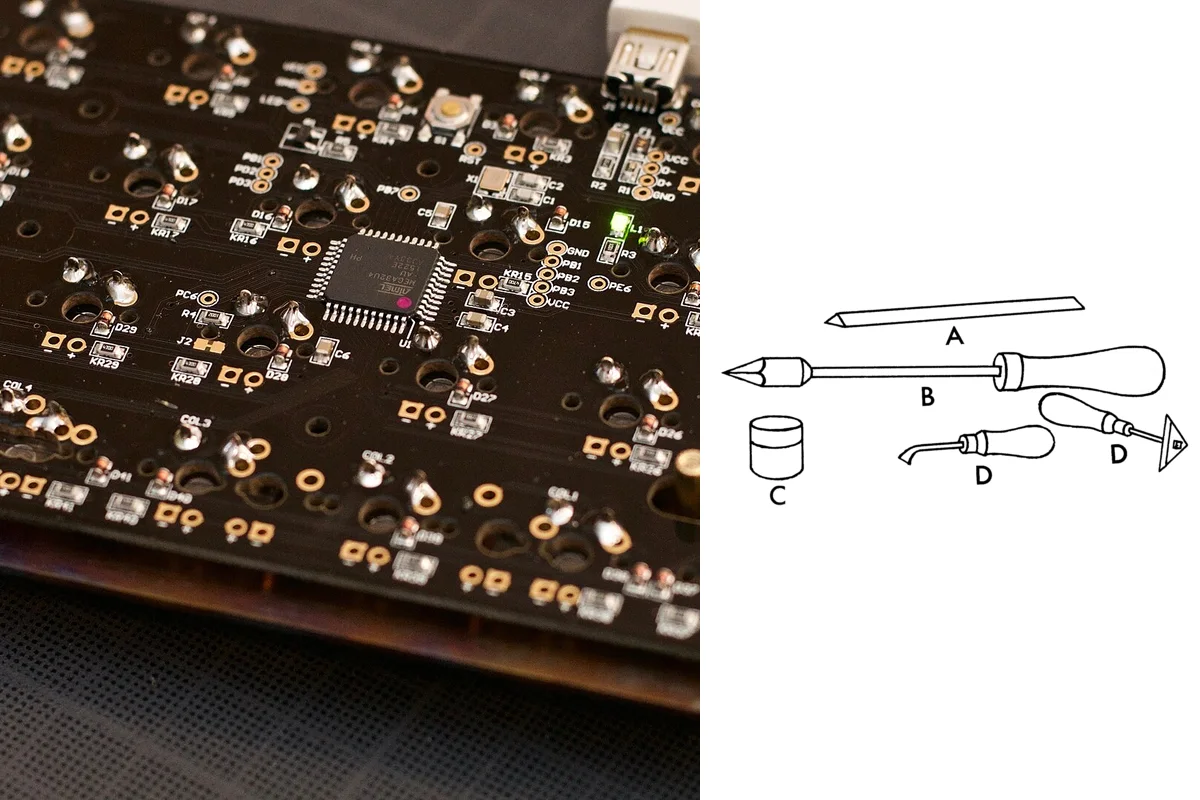
For a soldered build or repair, buy a temperature-controlled iron, fine tip, electronics solder, tip cleaner, heat-safe stand, eye protection, and ventilation or fume extraction. Add desoldering braid or a pump when you know how to use it.
Keep flammable materials away, never leave the iron unattended, and disconnect the PCB before inspecting a joint. A beginner can learn soldering, but it is not a must-have accessory for a hot-swap board.
.jpg)
.png)
Buying choices by situation
You own a stock wired keyboard
Start with a keycap puller, cleaning brush, cloth, and a data cable. Add a desk mat if the board slides or sounds harsh on the desk. Skip switch tools until you know the board is hot-swappable.
You own a hot-swap custom keyboard
Add a good switch puller, part tray, and switch tester if you change switches often. Lubrication supplies are optional and should follow a specific tuning plan.
You own a soldered keyboard
Prioritize a safe soldering setup and a compatible replacement plan. A switch puller cannot remove soldered switches. Keep a desoldering method available before attempting a repair.
You travel with the board
Choose a fitted padded case, cable protection, and a dust cover for storage. Check external measurements and protruding parts before buying.
You are building a collection
Use labeled containers for keycaps, switches, screws, stabilizers, and cables. Storage saves more time than another decorative cable once several builds are on the desk.
Accessories you can skip at first
You do not need a premium cable, artisan caps, a large lubricant collection, multiple foam types, a wrist rest, a dust cover, or switch films just because other enthusiasts use them. Buy for a specific problem, and keep compatibility details more important than a product’s marketing label.
Related guides
- Building your first custom keyboard explains which tools and components are needed for assembly.
- Introduction to modding covers safe lubrication, foam, tape, and stabilizer work.
- Keycap materials and profiles helps you buy compatible caps and pull them safely.
- Cleaning and maintenance gives a routine for dust, spills, and long-term care.
A small, compatible toolkit beats a drawer full of accessories you never use. Start with protection and safe removal, then let your actual keyboard habits decide what comes next.